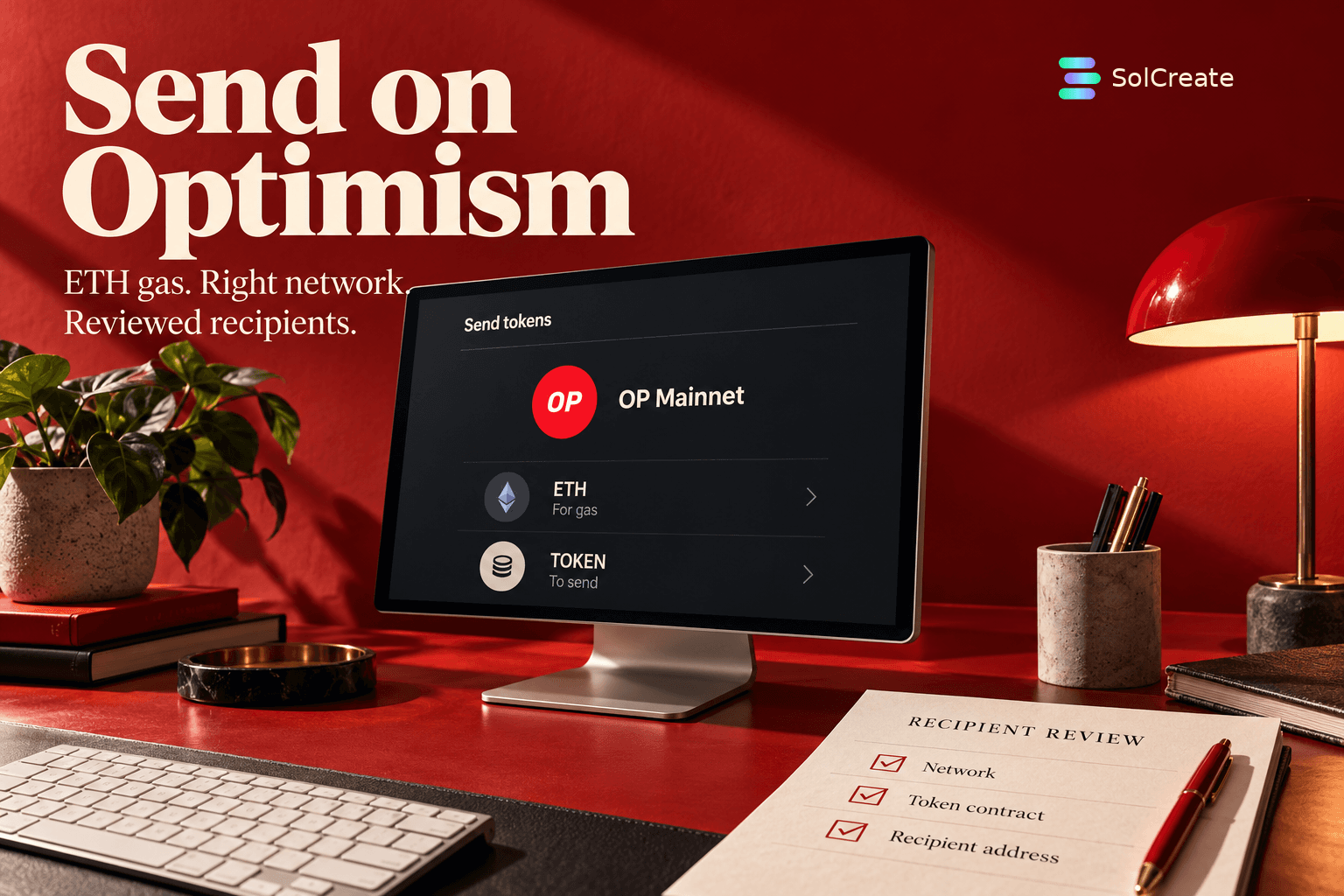
Optimism Distribution Guide
Sending Tokens on Optimism: ETH Gas and Recipient Checks
Prepare an OP Mainnet token distribution: ETH gas, token balances, recipient review and the final execution receipt.
October 17, 2026Read article
 SolCreate
Blog
These SolCreate guides give token creators a growing library of longform how-to articles and practical no-code tutorials before they open the live tools.
Optimism Distribution Guide
Sending Tokens on Optimism: ETH Gas and Recipient Checks
Prepare an OP Mainnet token distribution: ETH gas, token balances, recipient review and the final execution receipt.
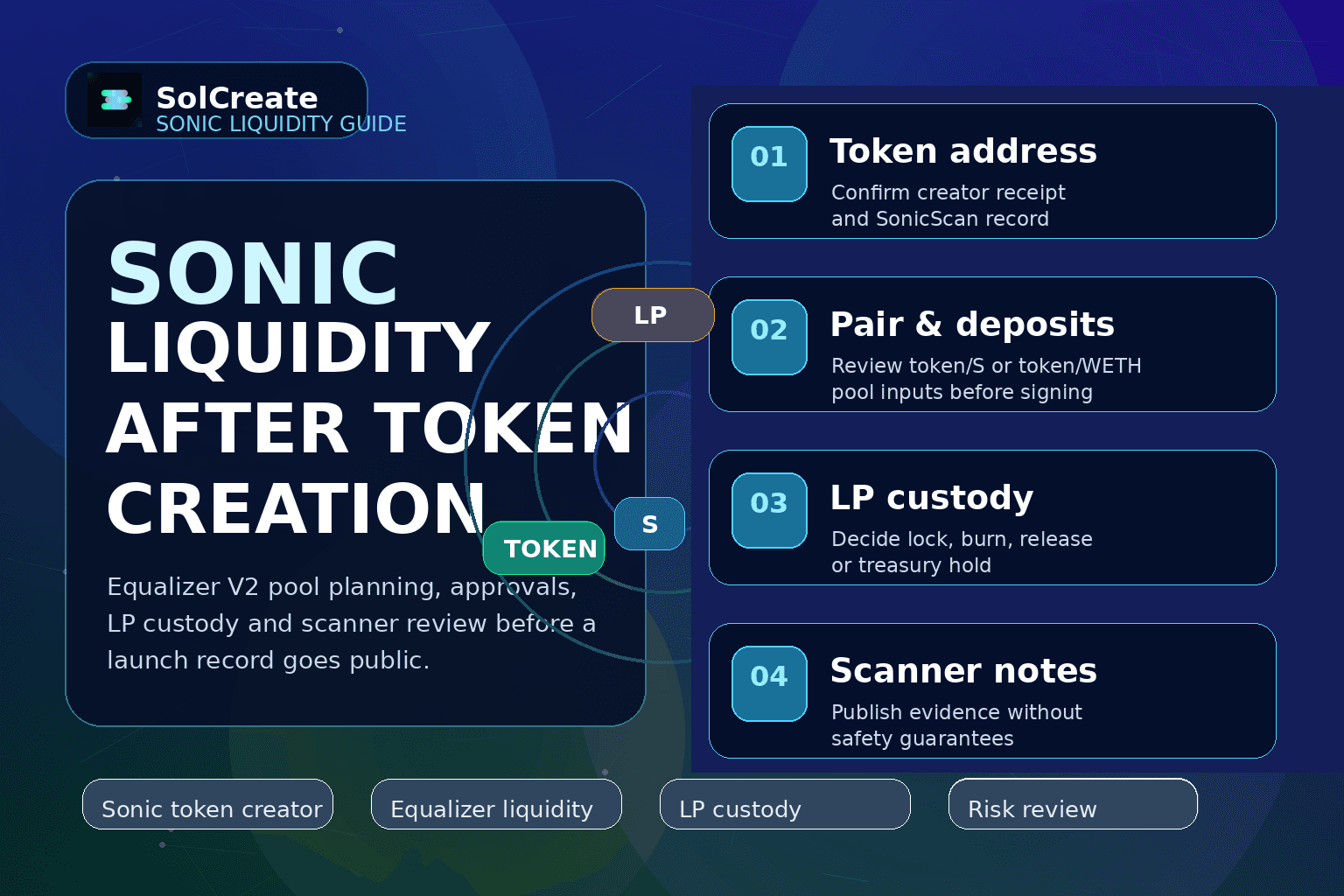
Sonic Liquidity Guide
Sonic Liquidity After Token Creation: Equalizer V2 Pools, LP Custody and Scanner Notes
Plan Sonic Equalizer V2 liquidity after token creation: pool pair, approvals, LP custody, mint or burn boundaries, scanner notes and launch evidence.
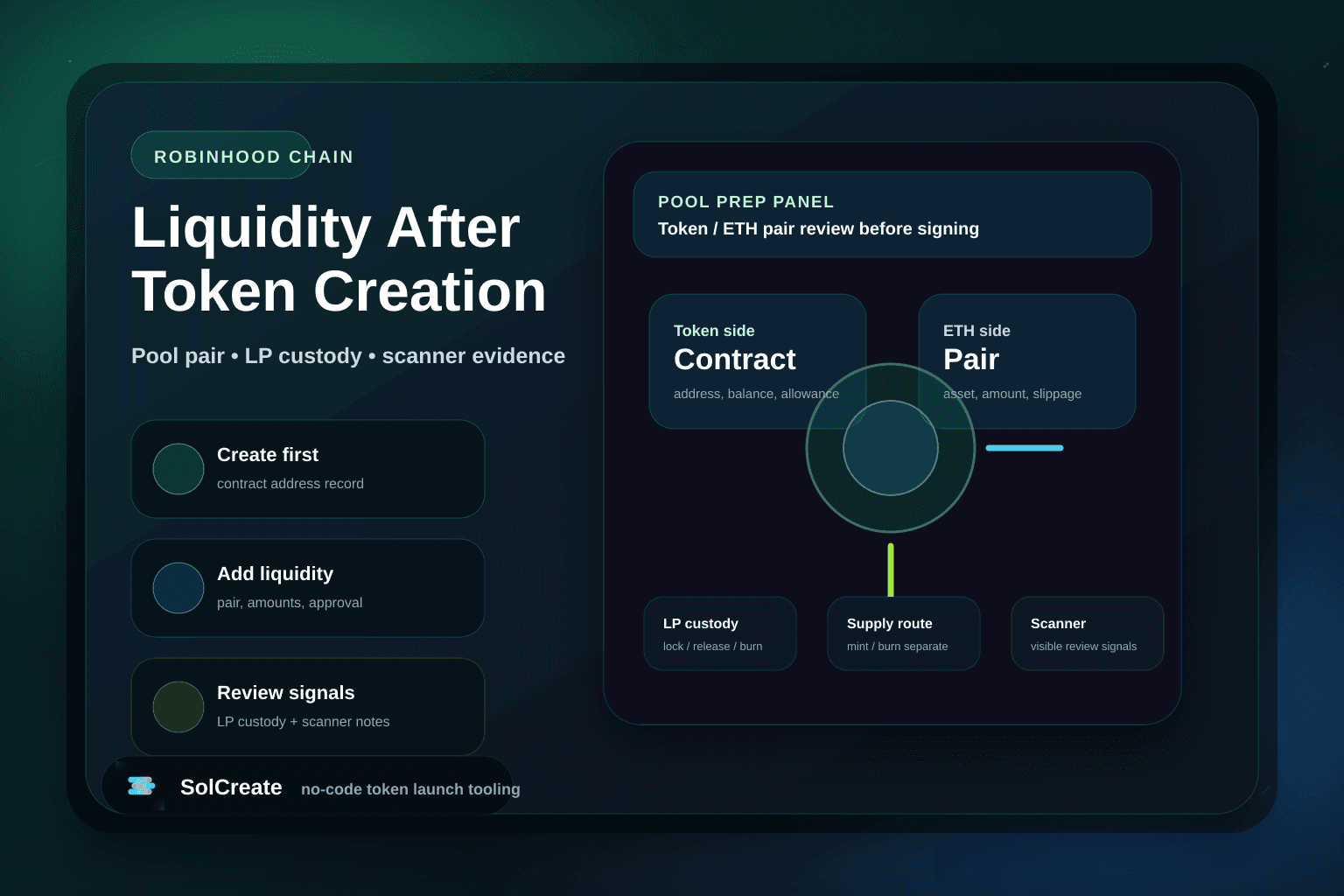
Robinhood Chain Liquidity Guide
Robinhood Chain Liquidity After Token Creation: Pools, LP Custody and Scanner Notes
Plan Robinhood Chain liquidity after token creation: pair choice, wallet approvals, LP custody, mint or burn boundaries and scanner review notes.
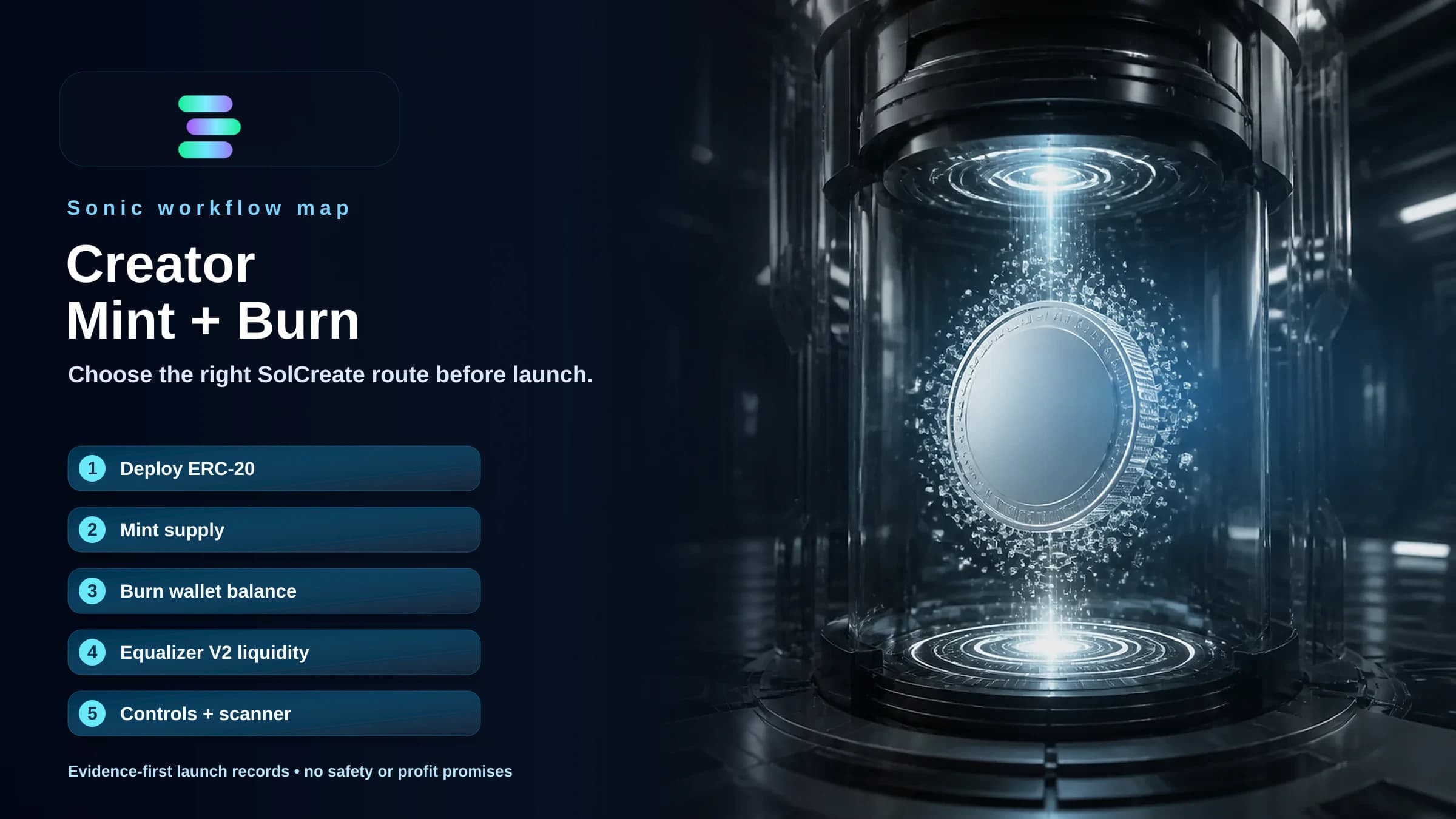
Sonic Creator Guide
Sonic ERC-20 Creator, Mint and Burn: Choose the Right Workflow Before Launch
Choose the right Sonic token workflow: deploy a new ERC-20, mint authorized supply, burn wallet-held tokens, or prepare Equalizer V2 liquidity.
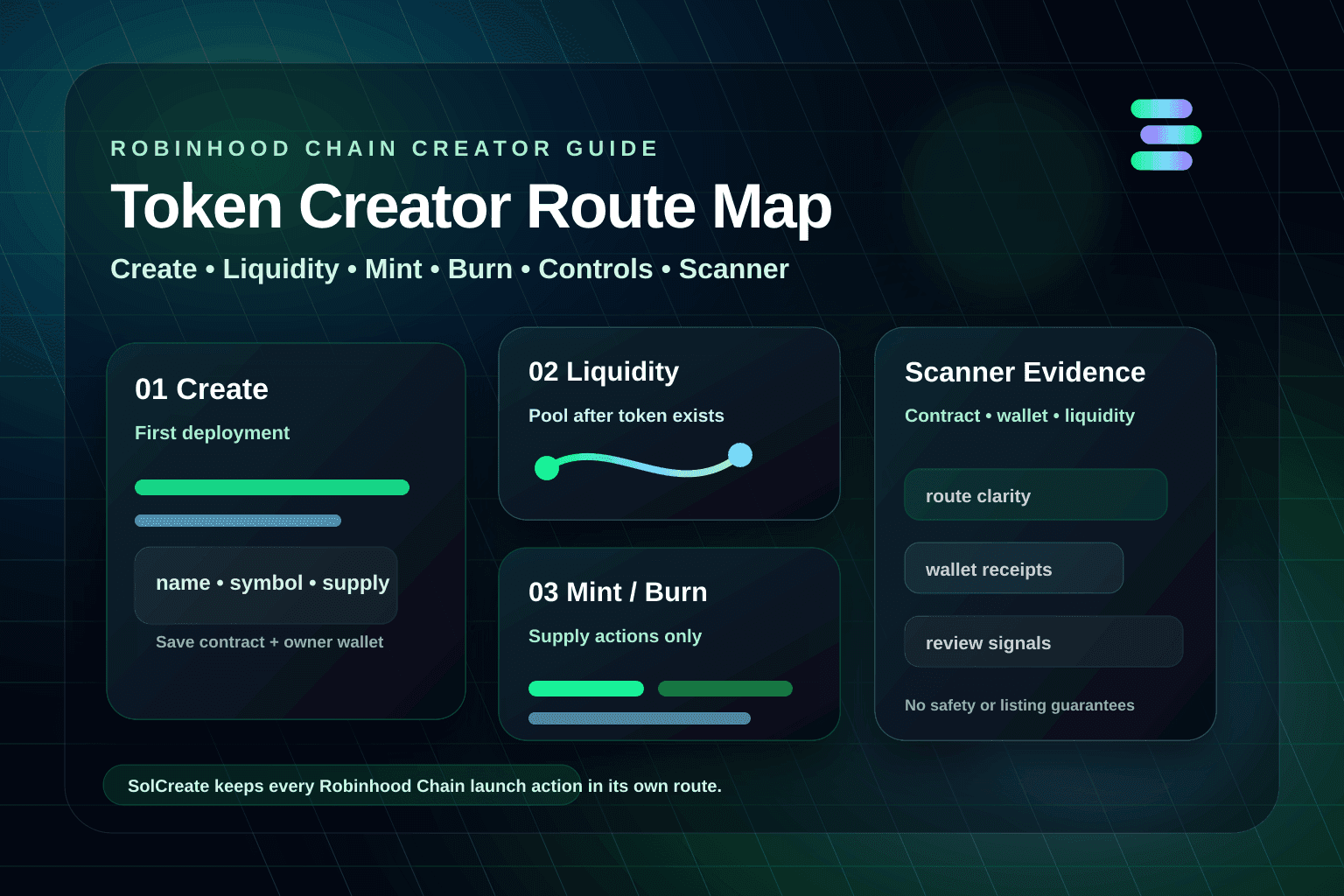
Robinhood Chain Creator Guide
Robinhood Chain Token Creator Route Map: Create, Liquidity, Mint and Burn
Choose the right Robinhood Chain token workflow before launch: create a new token, prepare liquidity, mint authorized supply, burn wallet-held tokens, review controls and attach scanner evidence.
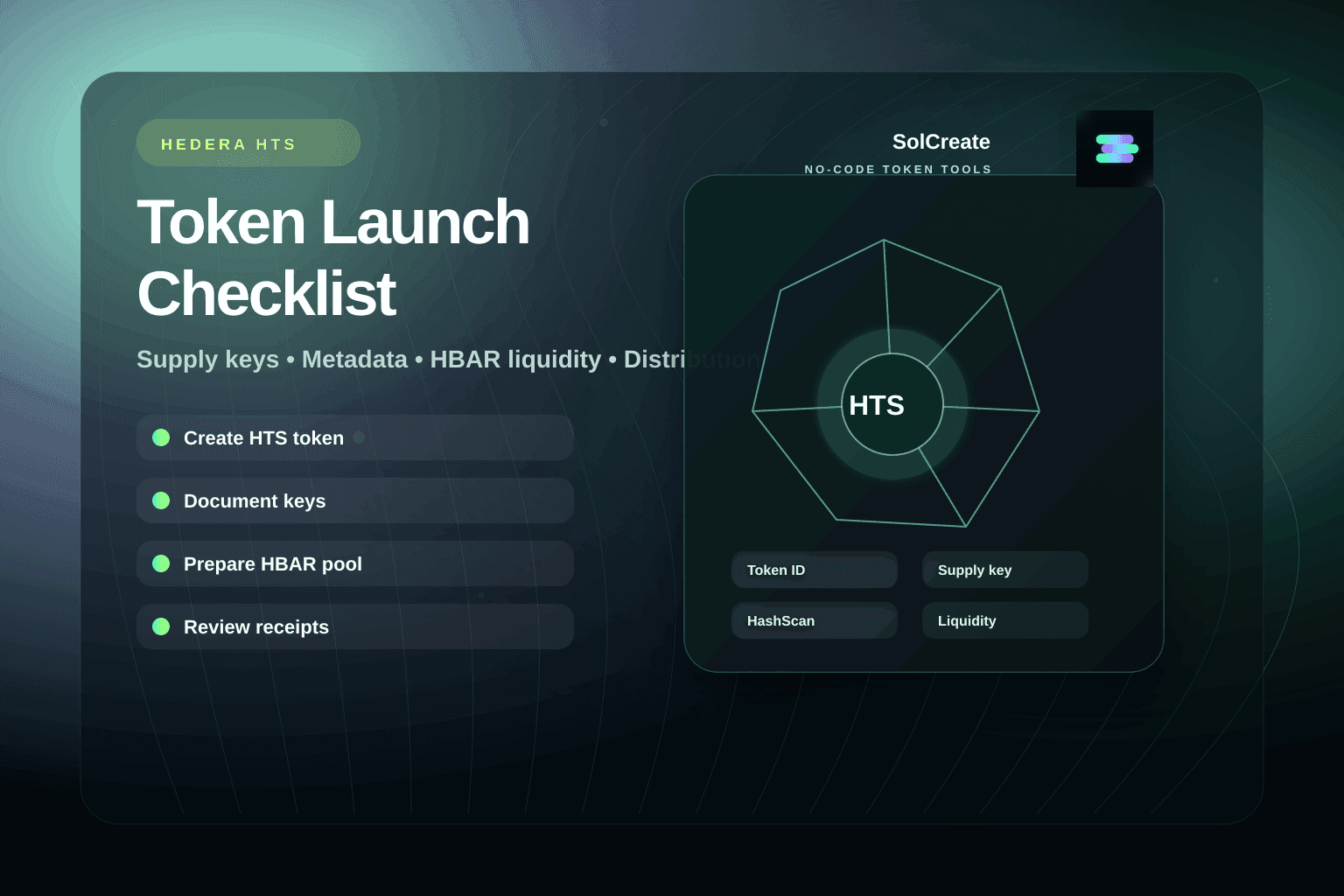
Hedera Creator Guide
Hedera HTS Token Launch Checklist: Supply, Keys, Liquidity and Distribution
Plan a native Hedera Token Service launch before wallet approval: token identity, authority keys, HBAR liquidity, supply actions, metadata, distribution and scanner review.

Arbitrum Creator Guide
Arbitrum ERC-20 Creator, Mint and Burn: Choose the Right Workflow Before Launch
Choose the right Arbitrum token workflow and keep creator, mint, burn, Camelot liquidity and LP custody on separate launch records.
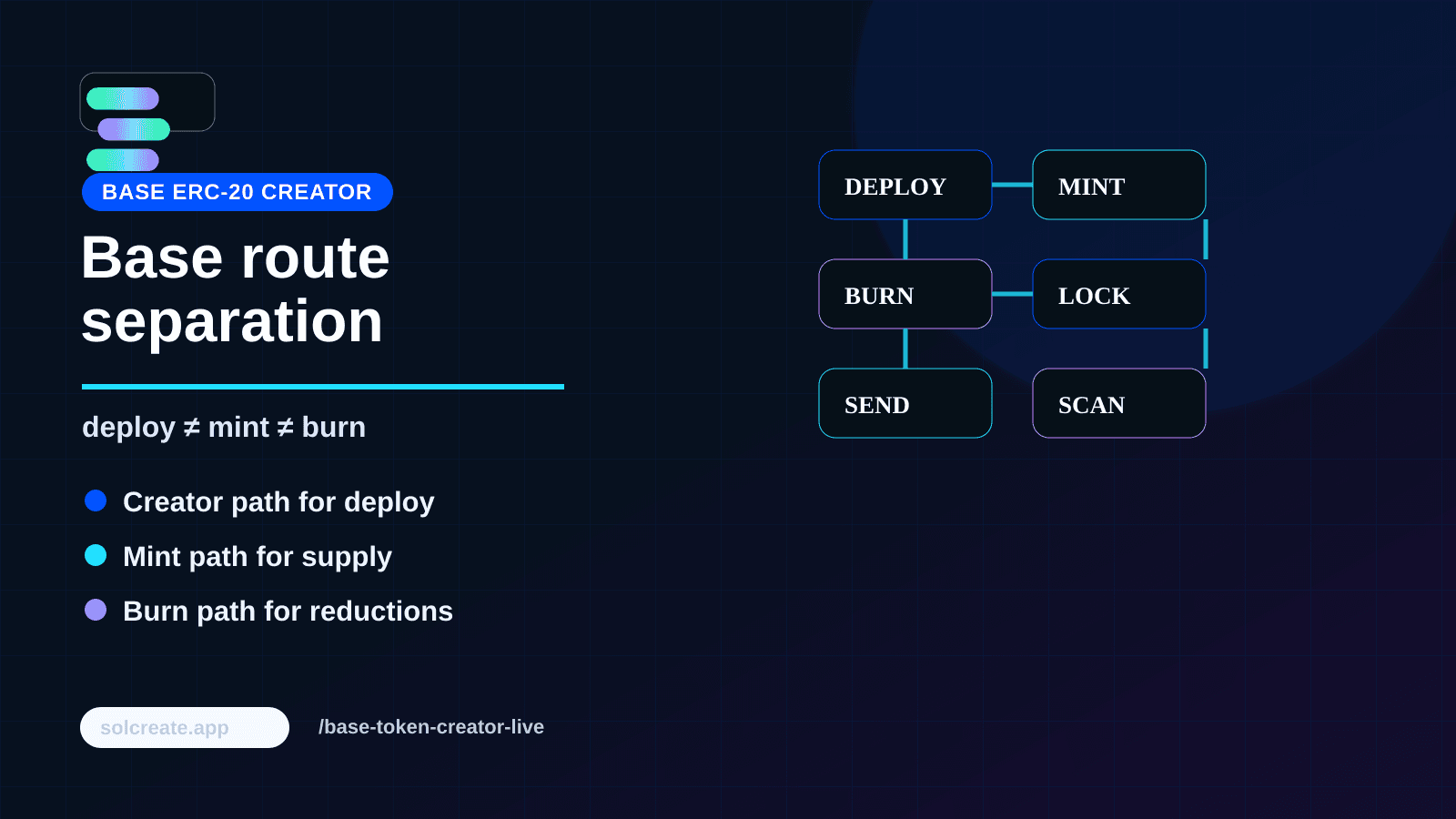
Base Creator Guide
Base ERC-20 Creator, Mint and Burn: Choose the Right Workflow Before Launch
Choose the right Base token workflow: deploy a new ERC-20, mint authorized supply, burn wallet-held tokens, or prepare Aerodrome liquidity.
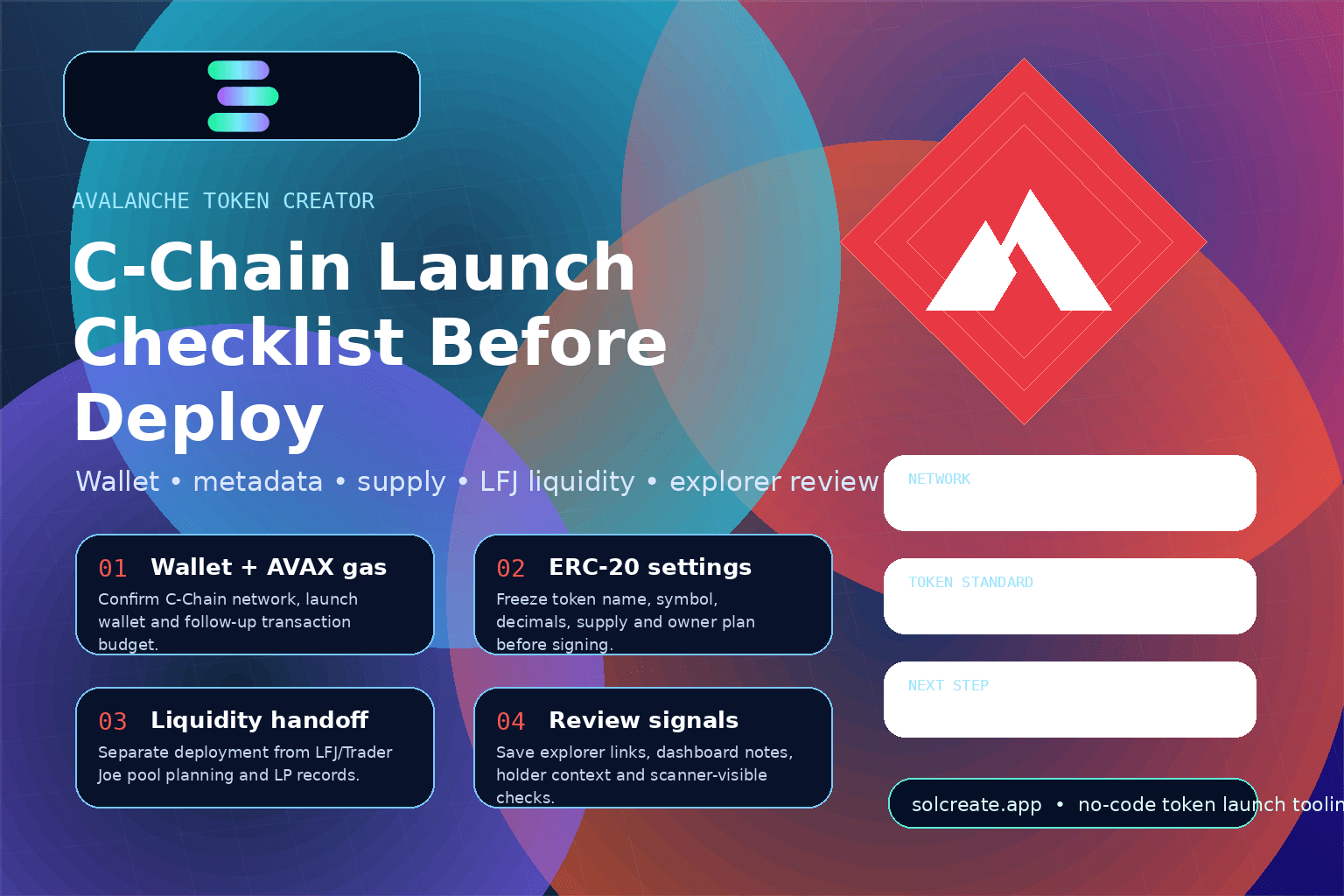
Avalanche Creator Guide
Avalanche Token Creator Launch Checklist: C-Chain Settings Before You Deploy
Plan an Avalanche token creator launch before deployment: C-Chain wallet setup, ERC-20 settings, metadata, supply, AVAX gas, liquidity and review signals.
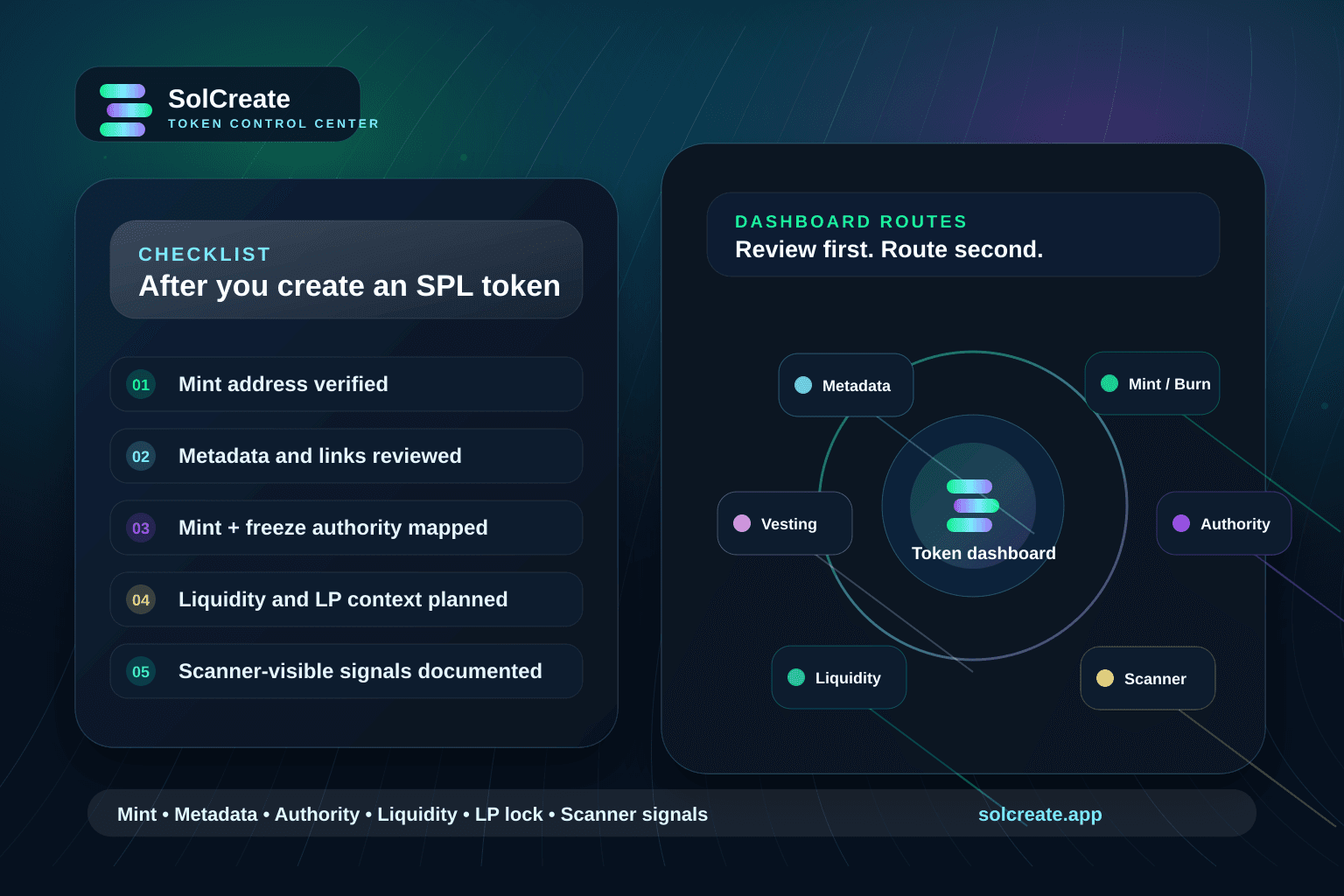
Token Dashboard Guide
Solana Token Dashboard Checklist: What to Review After You Create an SPL Token
Use this Solana token dashboard checklist after creating an SPL token: review mint address, balances, metadata, authorities, liquidity, LP locks and scanner signals.
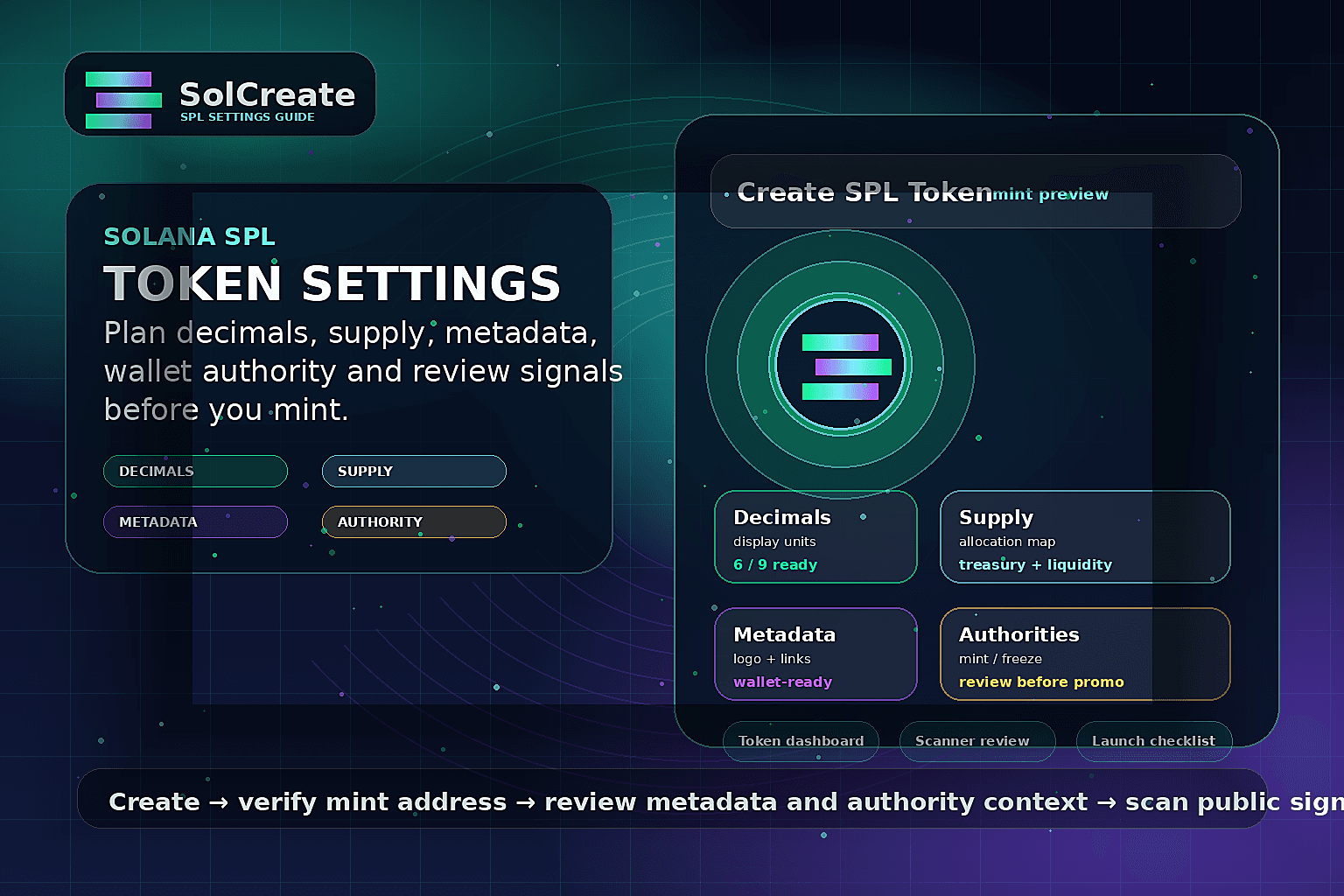
SPL Creator Guide
Solana SPL Token Settings: What to Plan Before You Mint
Plan SPL token decimals, supply, metadata, mint authority, freeze authority, dashboard review and scanner checks before creating a Solana token.
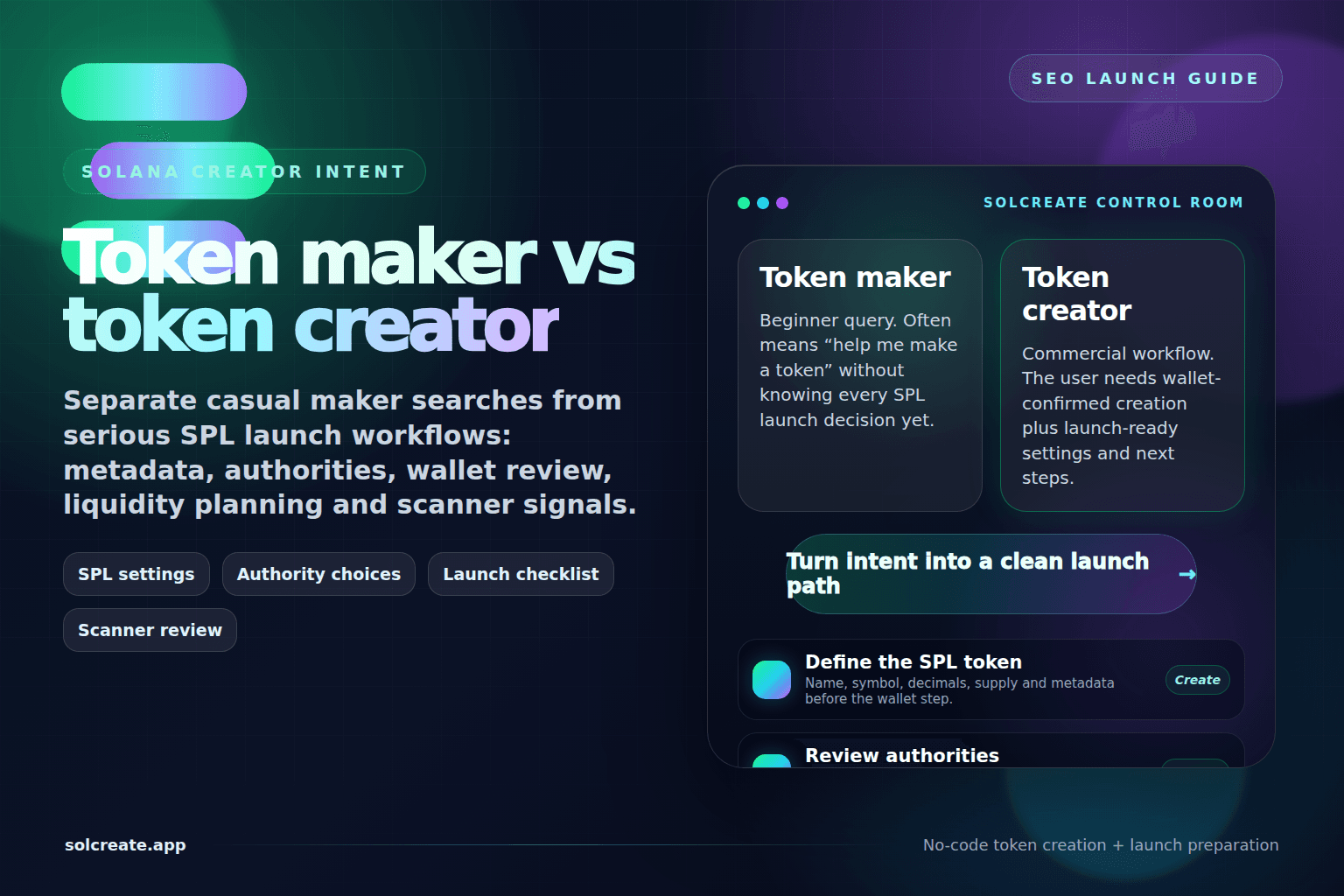
Solana Creator Guide
Solana Token Maker vs Solana Token Creator: Which Workflow Do Builders Need?
Compare Solana token maker, SOL token creator and SPL token creator searches before planning metadata, authorities, wallet roles, liquidity and scanner review.
Tron Creator Guide
TRC-20 Token Creator vs Tron Token Creator: What Builders Should Know Before Launch
Understand the difference between TRC-20 token-standard intent and the broader Tron token creator workflow before planning metadata, supply, wallet roles, liquidity and launch notes.
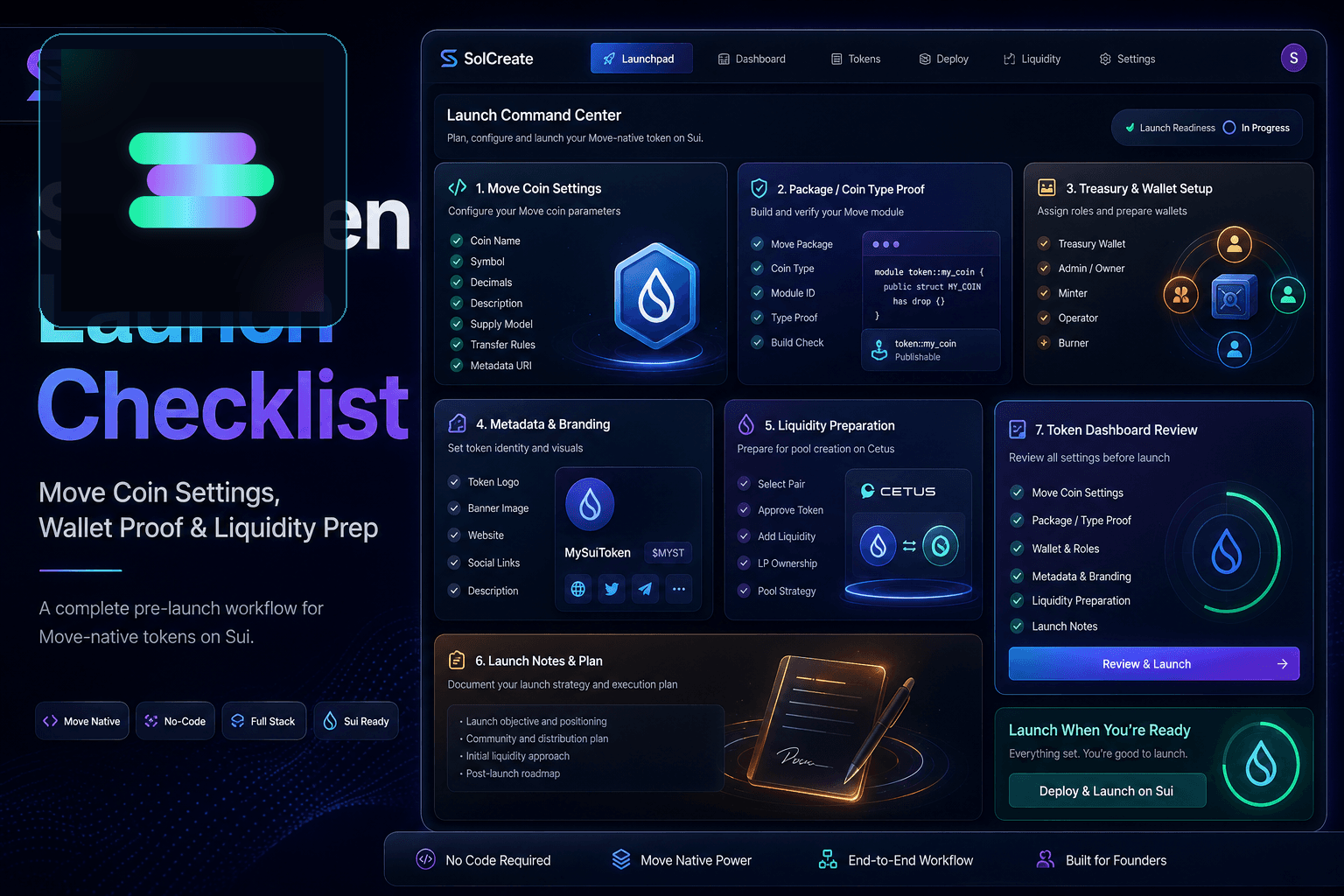
Sui Launch Guide
SUI Token Launch Checklist: What to Prepare Before You Create a Sui Token
Plan Move coin settings, package publishing, metadata, supply roles, liquidity, wallet responsibilities and public verification before creating a Sui token.
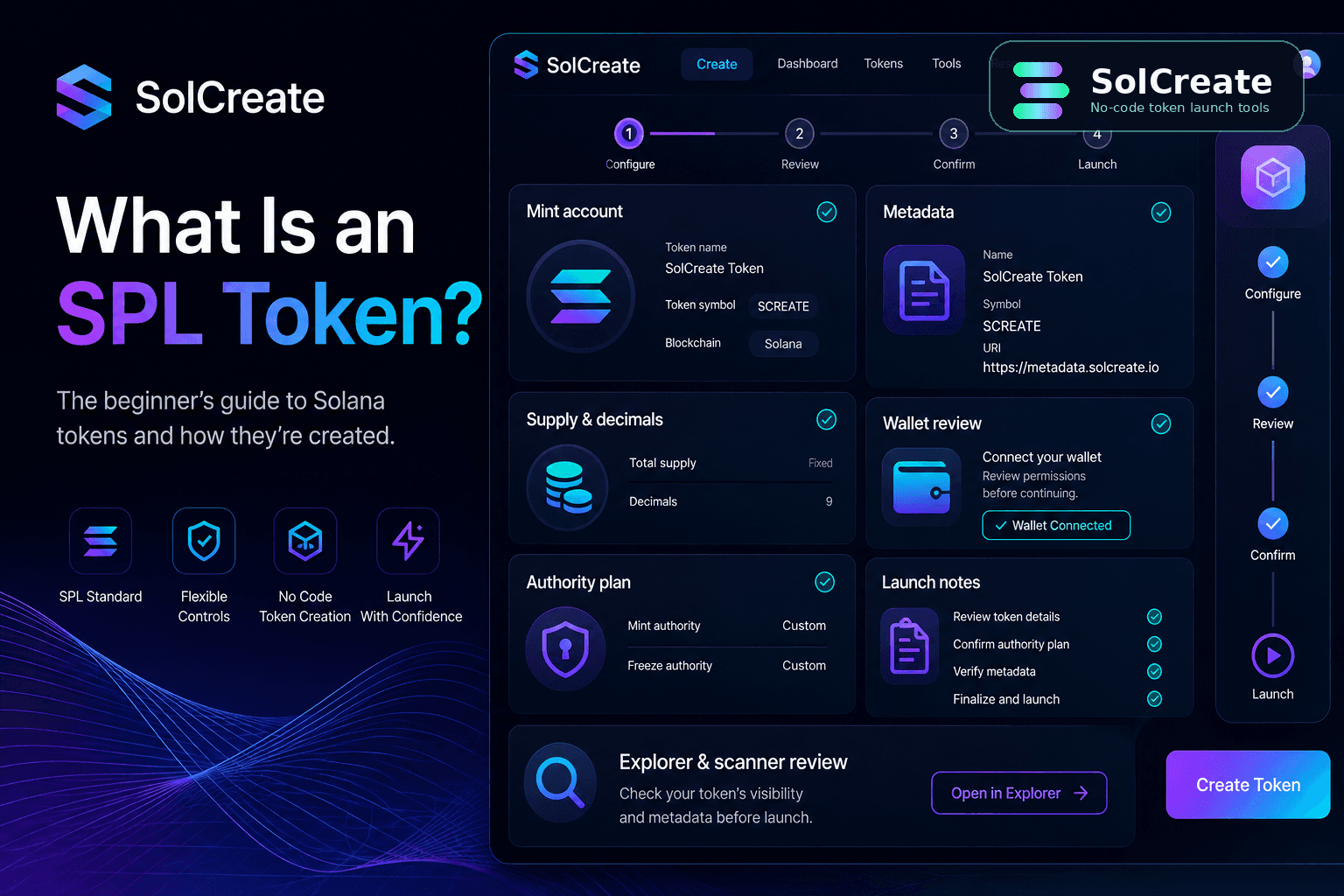
SPL Token Guide
Solana SPL Token: Meaning, Creator Settings and Launch Basics
Learn what a Solana SPL token means, which creator settings matter, and how to prepare metadata, supply, authorities and scanner review before launch.
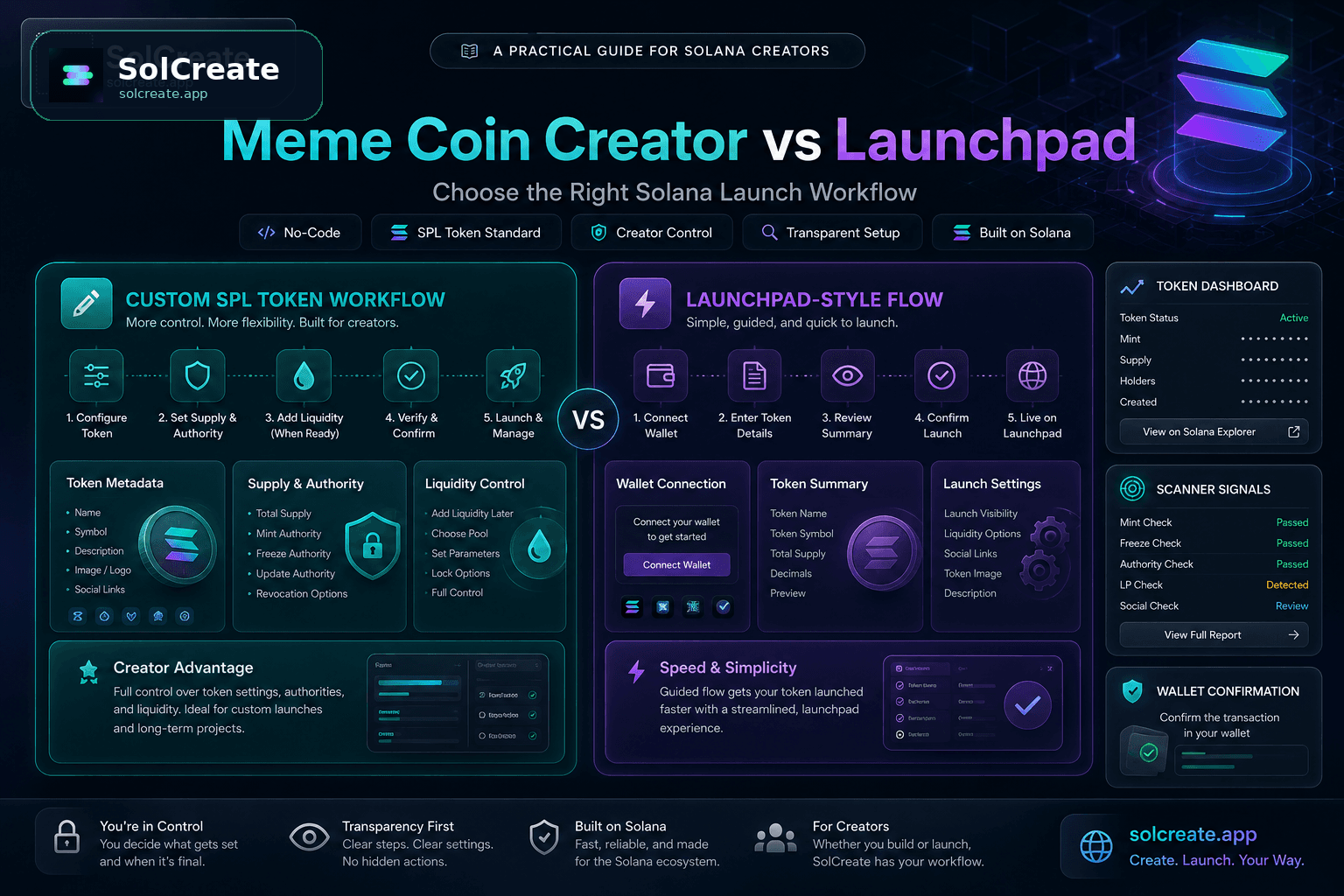
Solana Meme Coin Guide
Solana Meme Coin Creator vs Launchpad: When to Choose a Custom SPL Workflow
Compare a Solana meme coin creator workflow with launchpad-style token launches: metadata, supply, authorities, liquidity prep, dashboard review and scanner-visible signals.
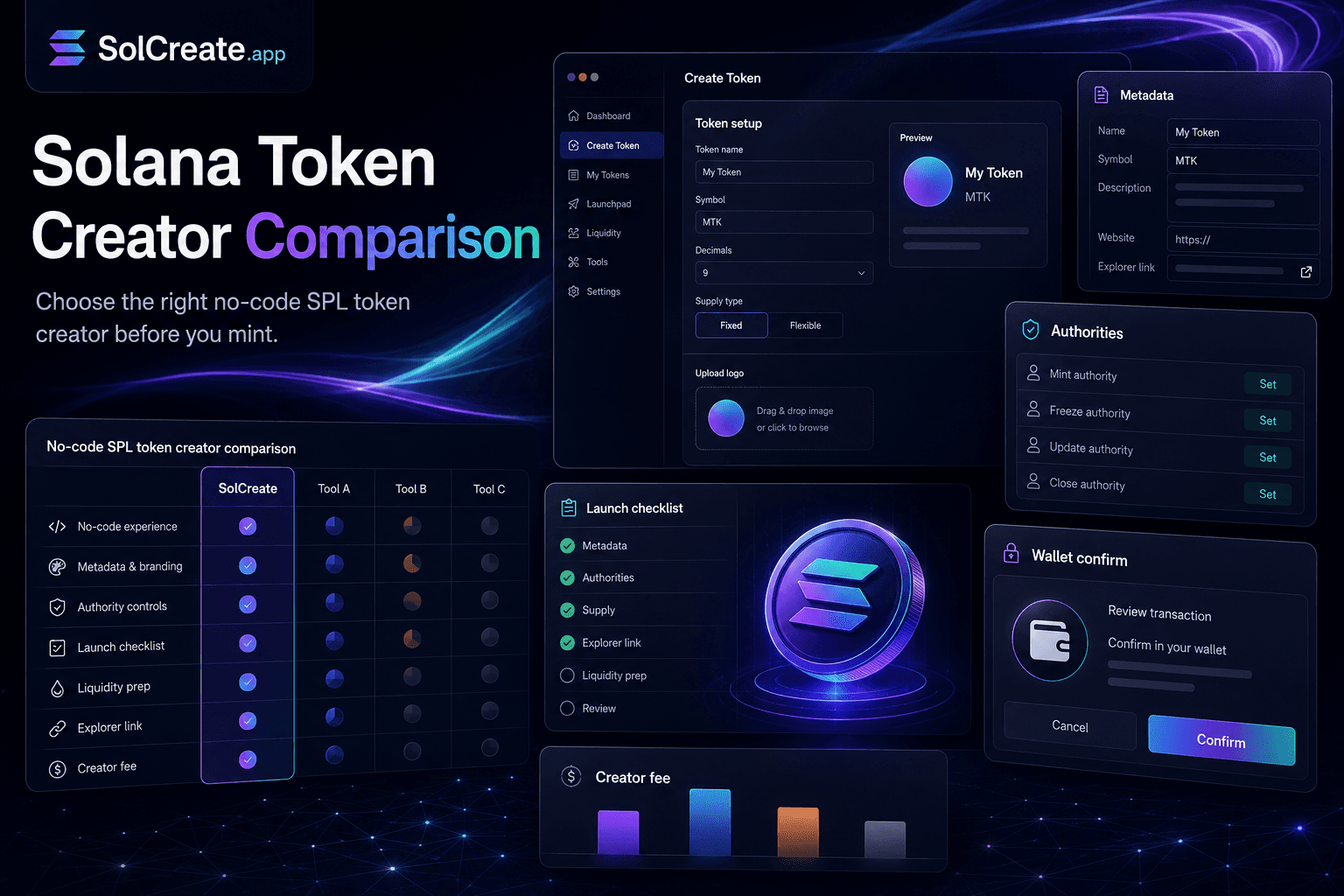
Solana Creator Guide
Solana Token Creator Features to Compare Before You Mint
Compare the Solana token creator features that matter before minting: fees, SPL metadata, supply settings, wallet confirmation, authorities, liquidity prep and scanner review.
BNB Creator Guide
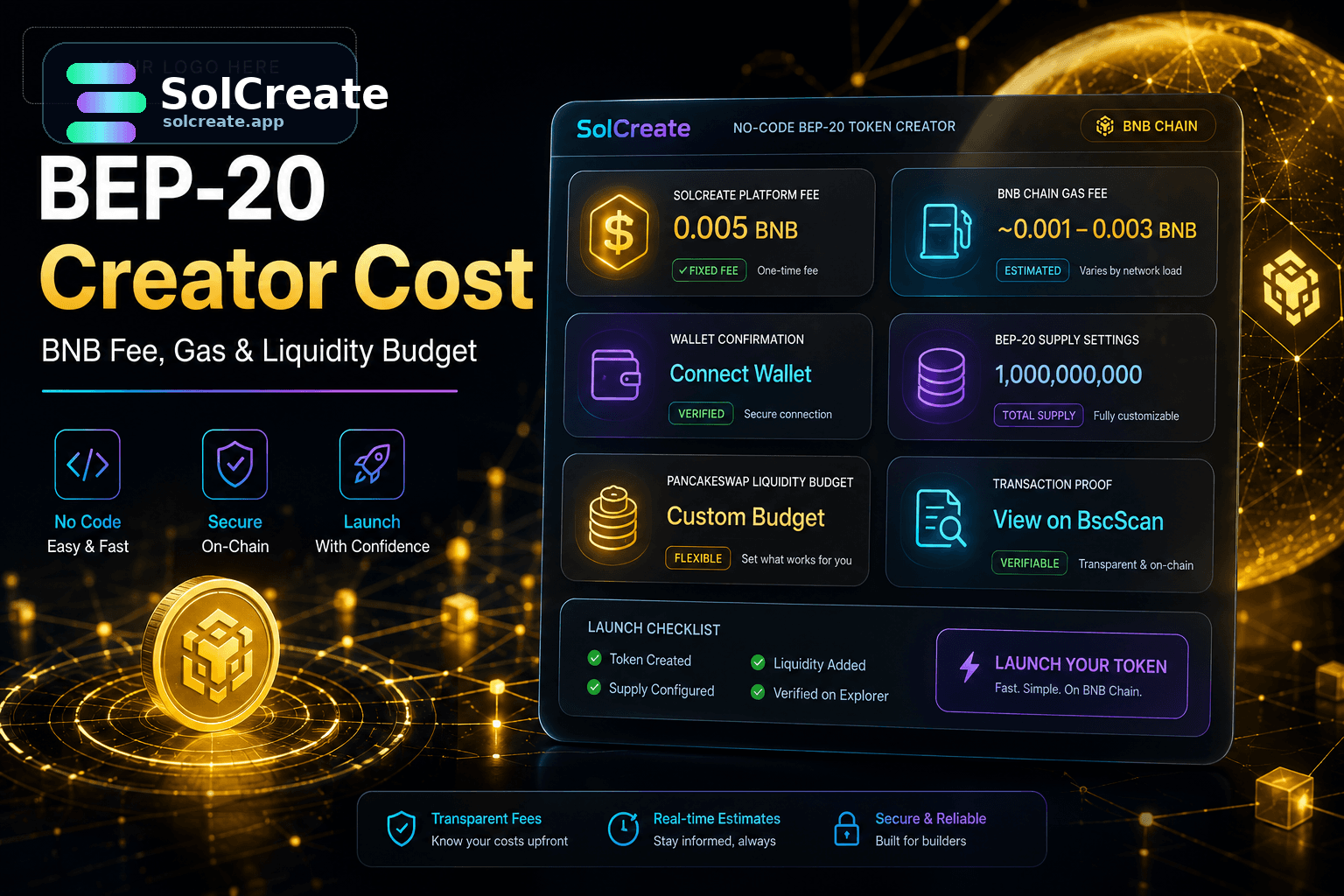
BEP-20 Token Creator Cost: BNB Fee, Gas and PancakeSwap Budget Before Launch
Plan the real BEP-20 token creator cost before launch: SolCreate's fixed 0.005 BNB fee, BNB Chain gas, wallet balance, supply actions and PancakeSwap liquidity.
Solana Liquidity Guide
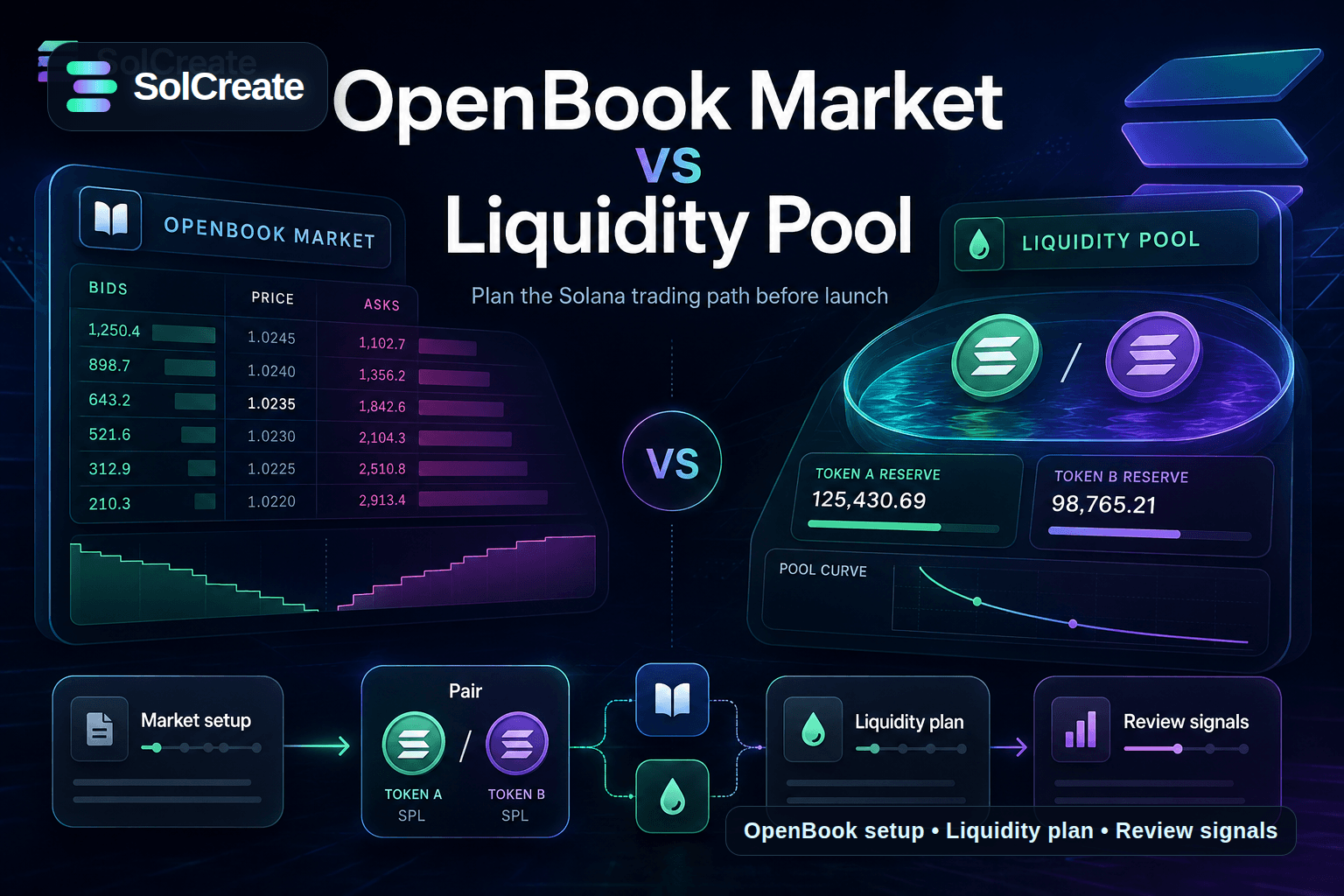
OpenBook Market vs Liquidity Pool: What Solana Token Creators Should Prepare Before Launch
Learn the difference between an OpenBook market and a Solana liquidity pool, what token creators should prepare, and how to plan pairs, price, LP context and launch links.
Solana Creator Guide
Solana Token Creator Cost: Wallet Budget Before You Mint
Plan the real Solana token creator cost before you mint: wallet funding, SPL settings, metadata, authority choices, liquidity budget, LP locks, vesting, multisender and scanner review.
Solana Creator Guide
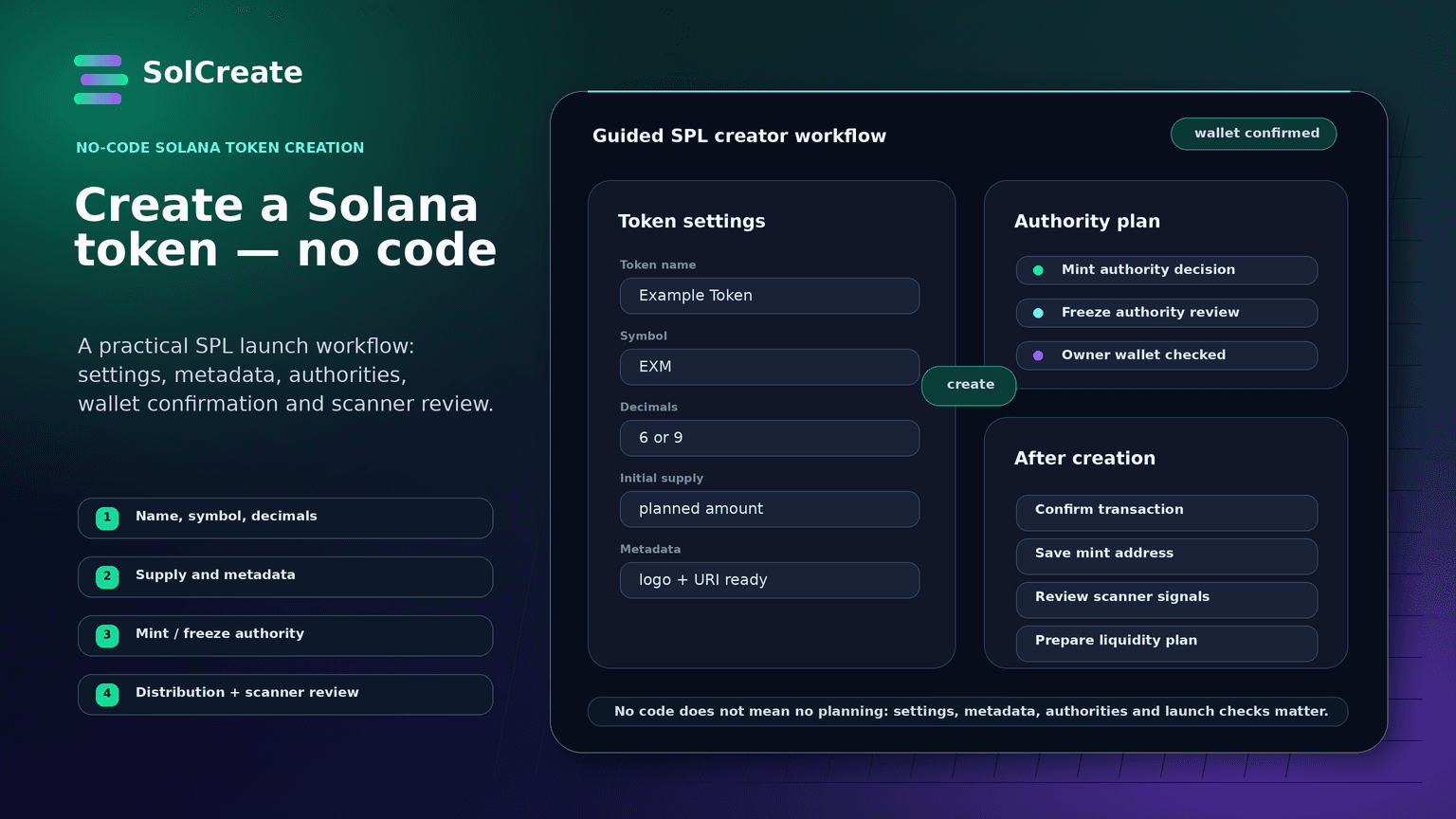
How to Create a Solana Token Without Coding: A Practical SPL Launch Workflow
Learn how to create a Solana token without coding: plan SPL settings, metadata, authorities, liquidity, distribution and scanner-visible risk signals before launch.
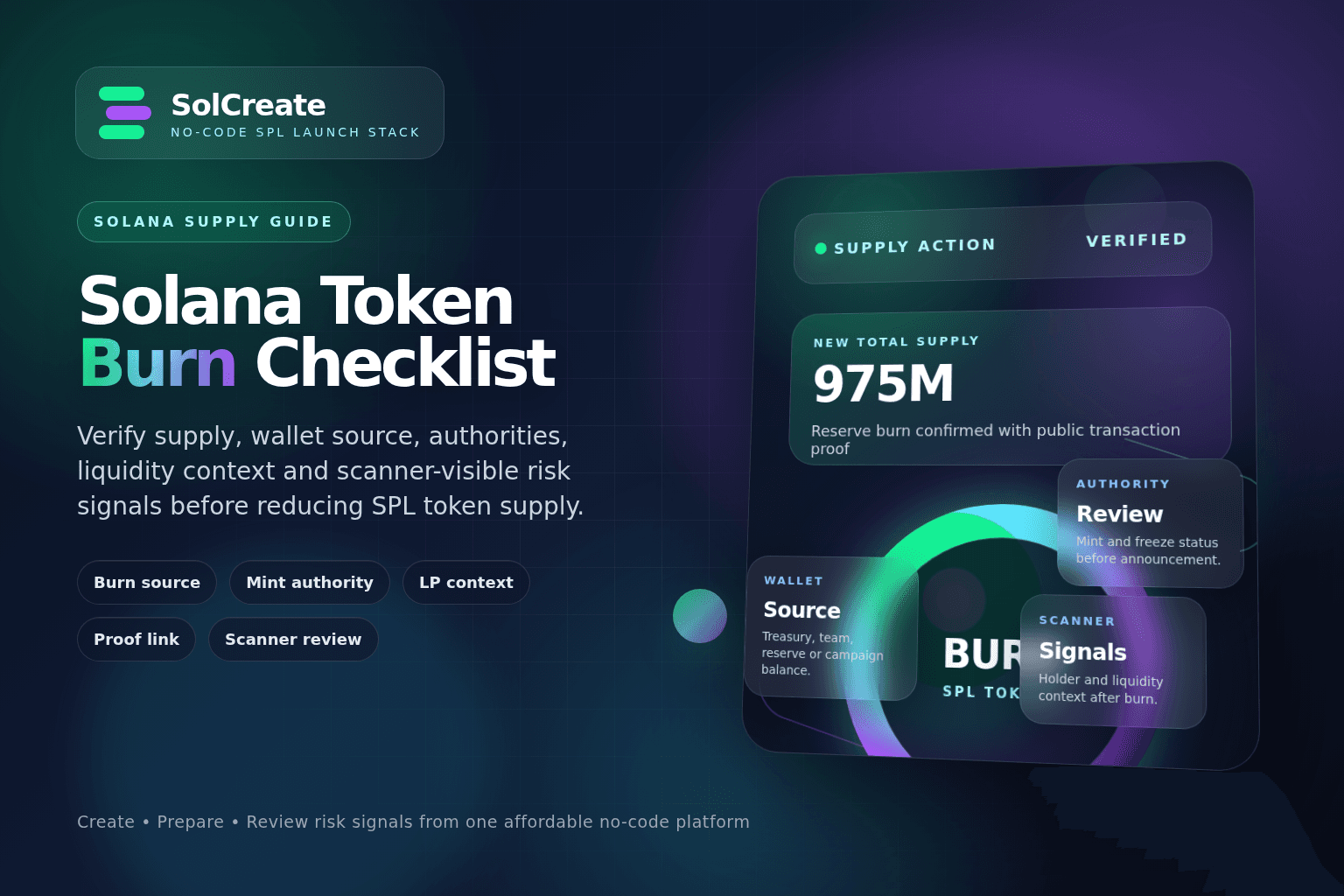
Solana Supply Guide
Solana Token Burn Checklist: What SPL Creators Should Verify Before Reducing Supply
Learn how Solana token creators should plan SPL token burns, wallet balances, authority settings, liquidity context, communication and scanner-visible risk signals before reducing supply.
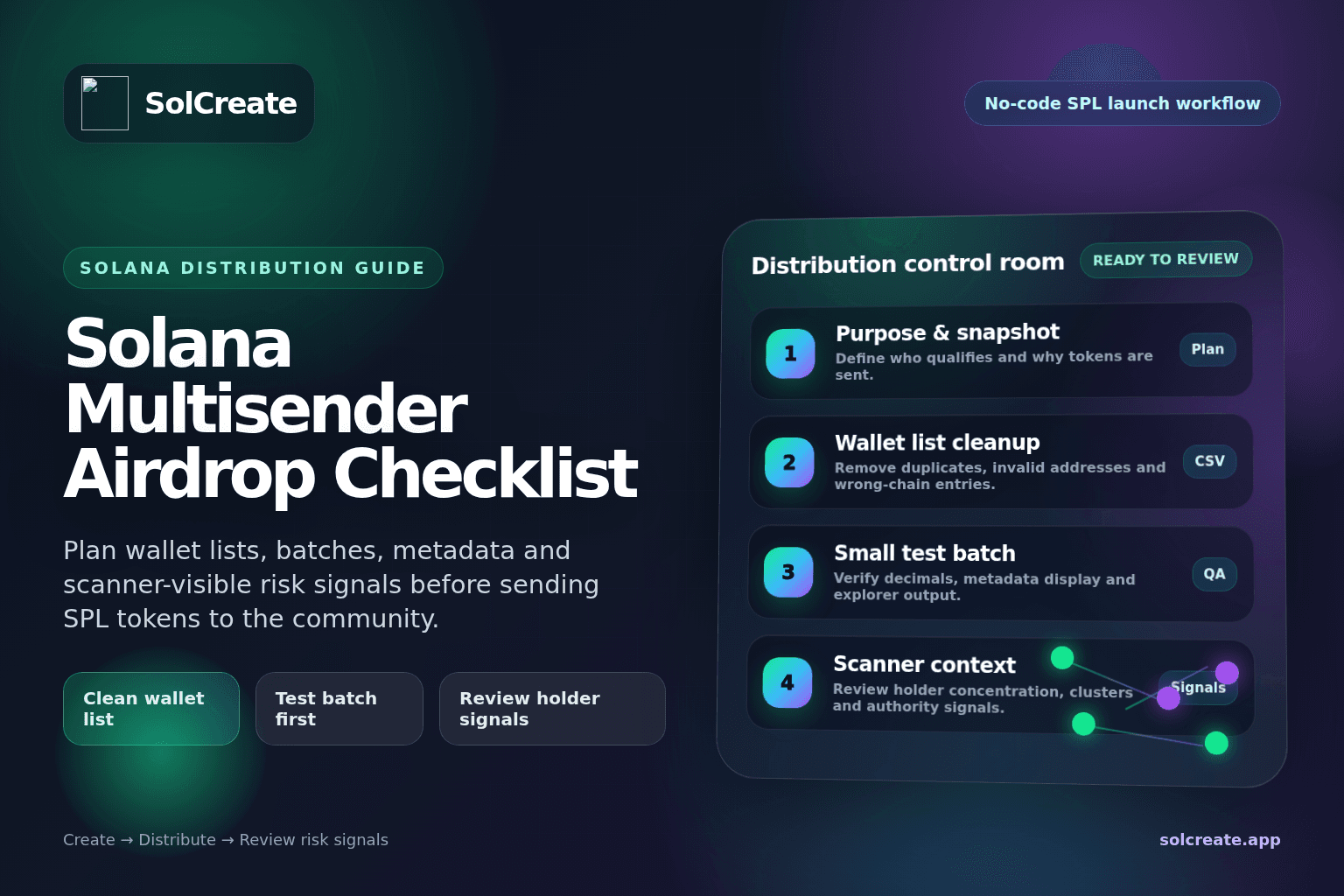
Solana Distribution Guide
Solana Multisender Airdrop Checklist: Plan Wallet Lists, Batches and Risk Signals Before Launch
Learn how Solana token creators can plan airdrops, multisender batches, wallet lists, test transfers, holder distribution and scanner-visible risk signals before launching an SPL token.
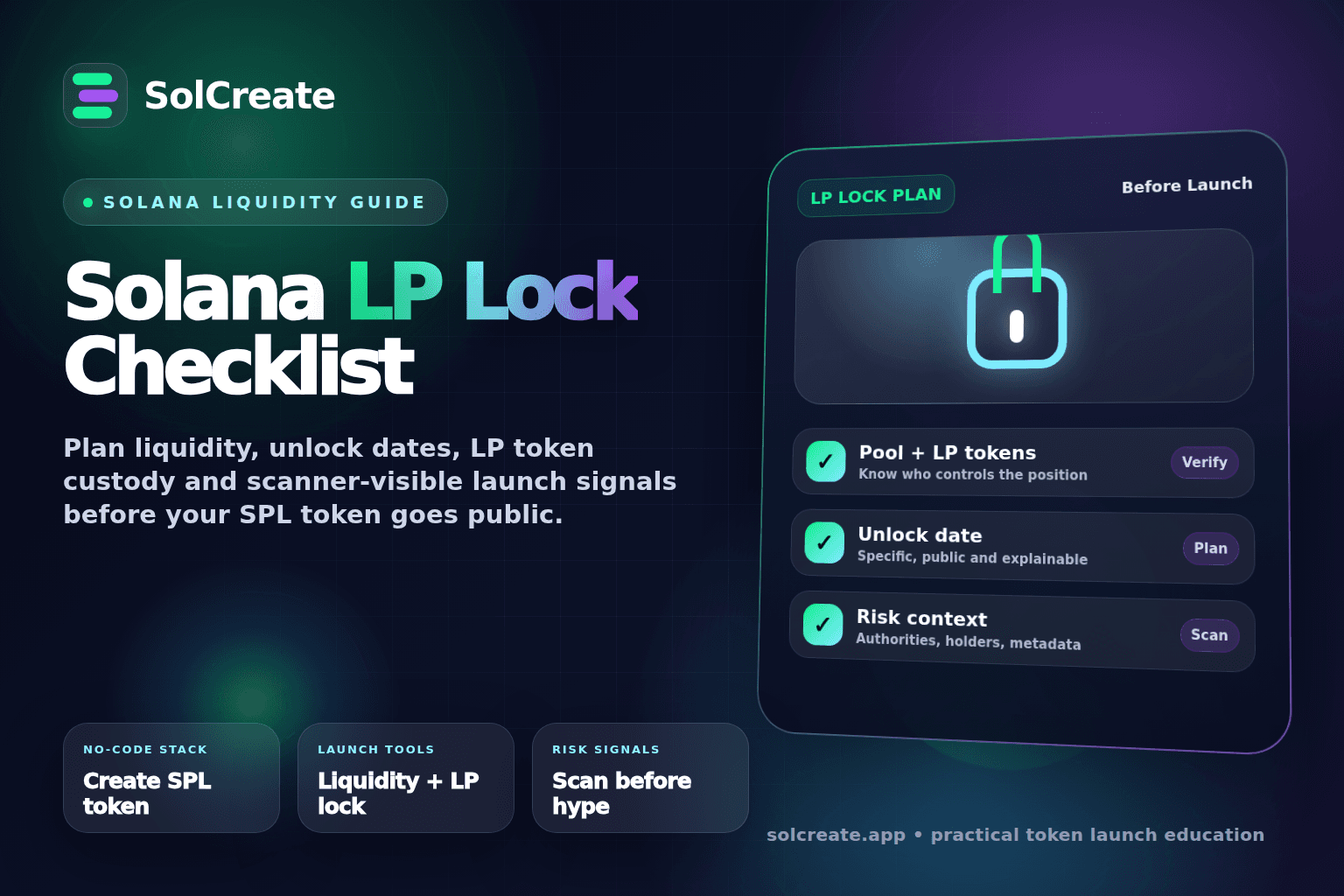
Solana Liquidity Guide
Solana LP Lock Checklist: What Token Creators Should Prepare Before Launch
Learn what a Solana LP lock means, how token creators should plan liquidity, unlock dates, LP token custody, authority settings and buyer-facing risk signals before launching an SPL token.
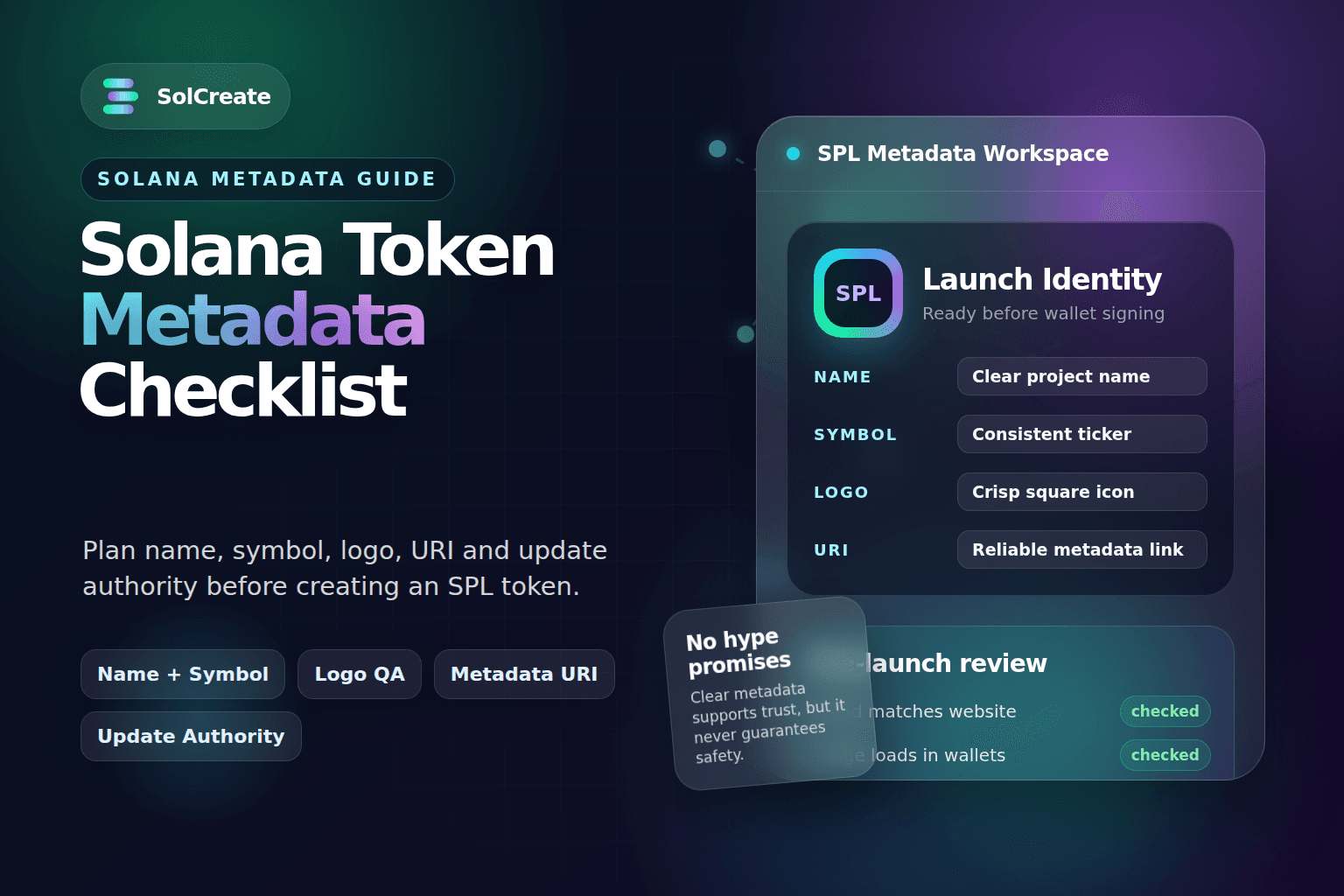
Solana Metadata Guide
Solana Token Metadata Checklist: Name, Symbol, Logo and Update Authority Before Launch
Plan your Solana token name, symbol, logo, URI, description and update authority before launch with this practical SPL metadata checklist.
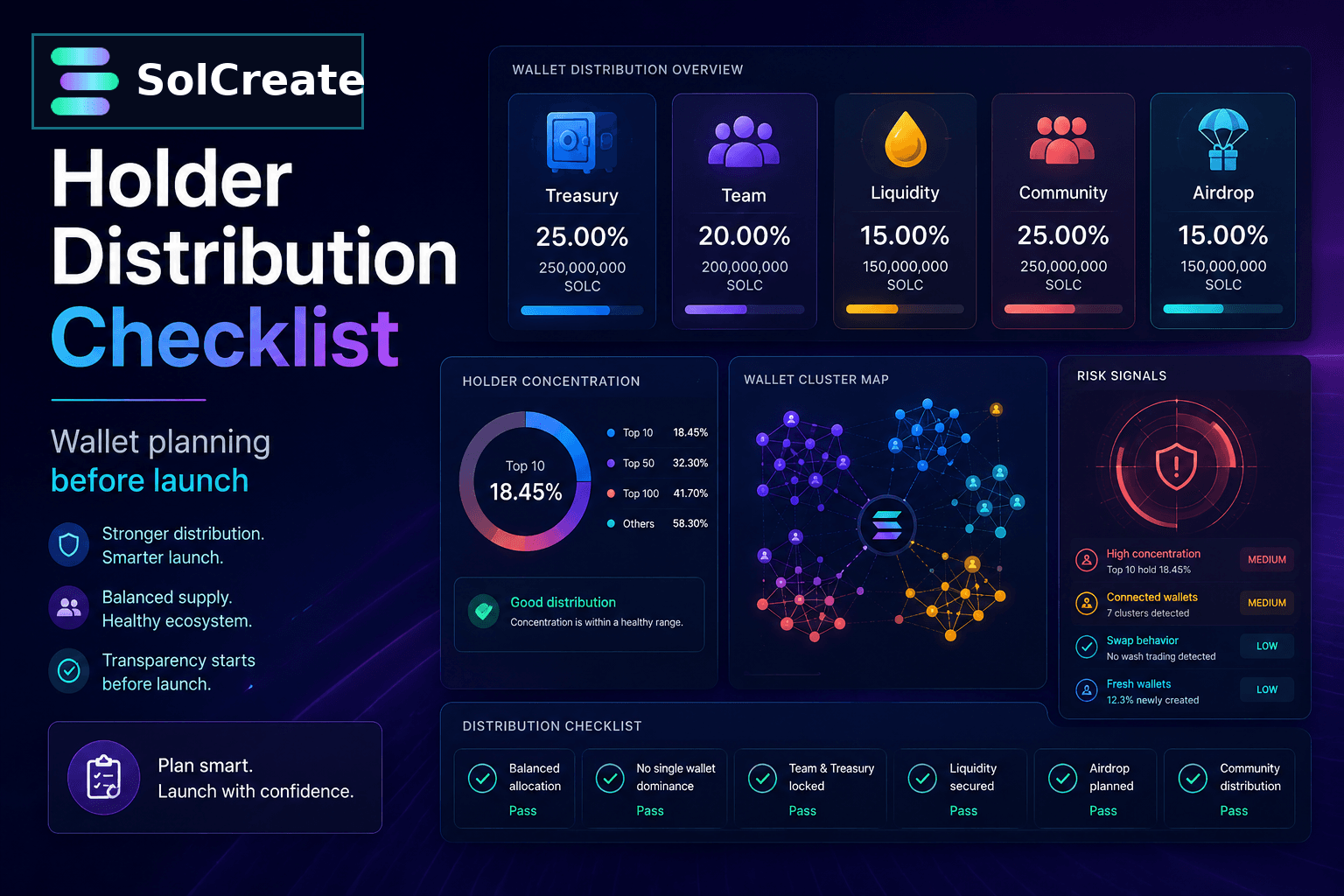
Solana Launch Guide
Solana Holder Distribution Checklist: Wallet Planning Before Launch
Learn how Solana token creators can plan holder distribution, treasury wallets, airdrops, team allocations and scanner-visible wallet signals before launching an SPL token.
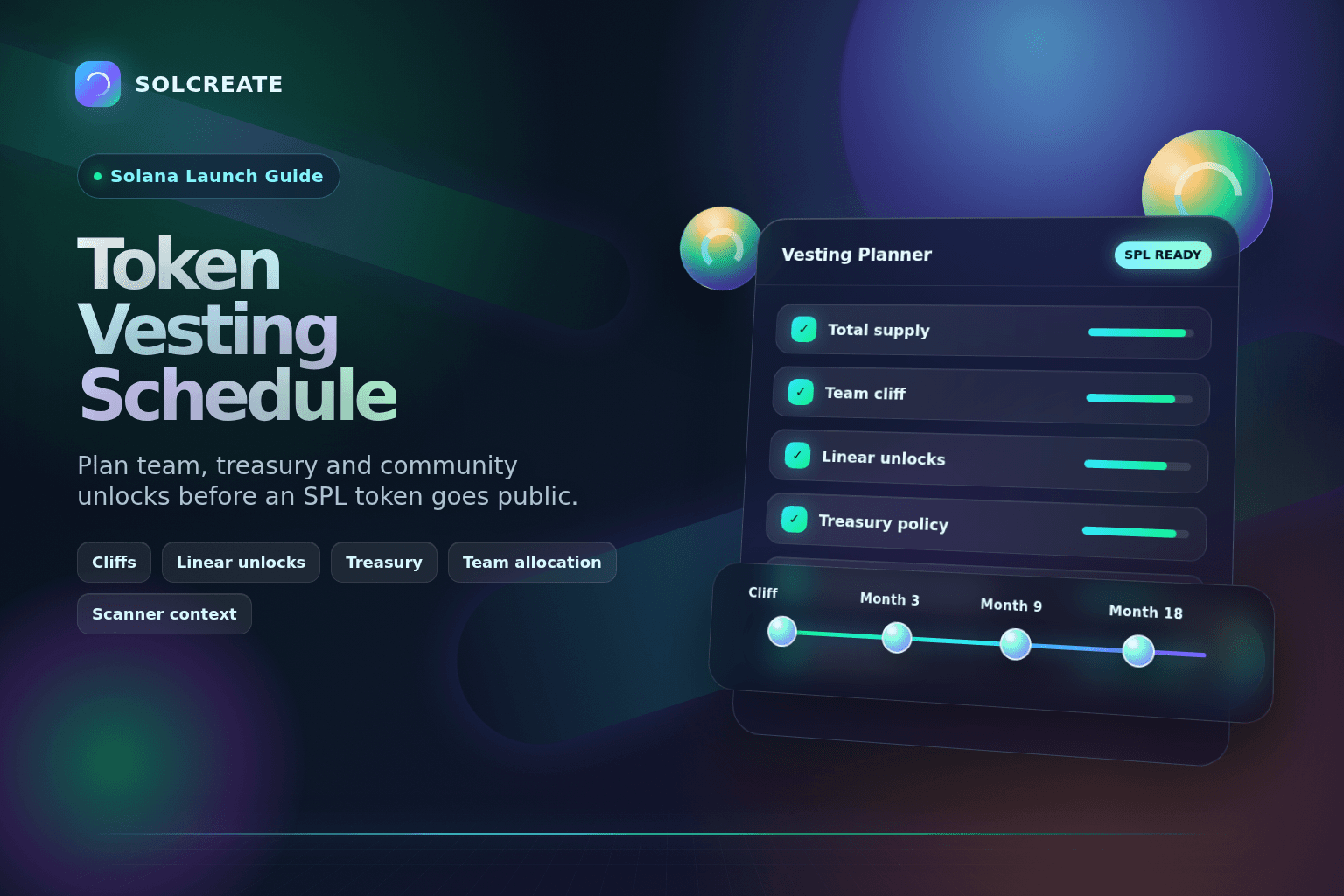
Solana Launch Guide
Solana Token Vesting Schedule: A Practical Guide for SPL Launches
Learn how to plan a Solana token vesting schedule for team, advisor, treasury and community allocations before launching an SPL token.
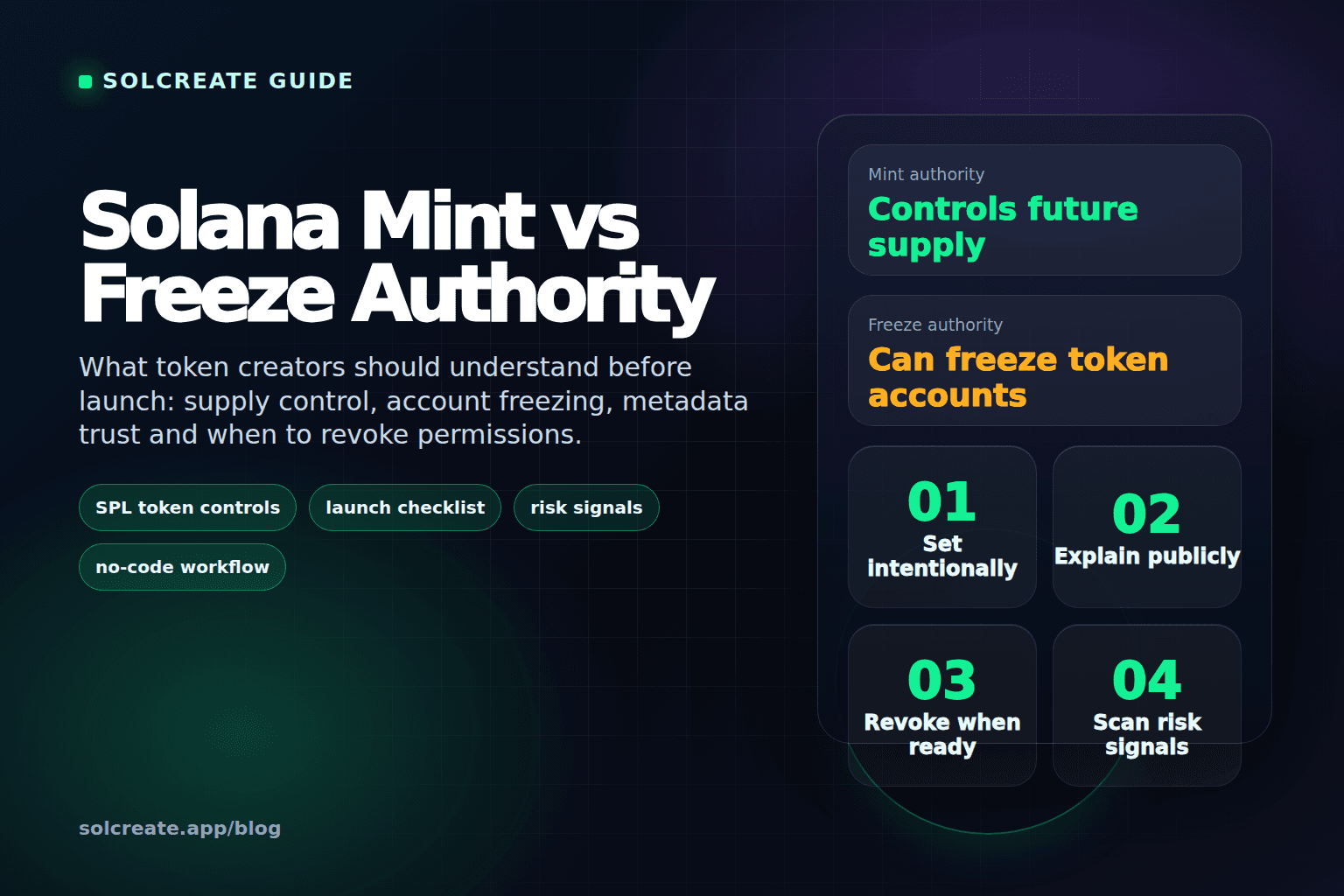
Solana Launch Guide
Solana Mint Authority vs Freeze Authority: What Token Creators Should Know
Understand the difference between Solana mint authority and freeze authority, why they matter for SPL token launches, when to revoke them and how buyers read these risk signals.
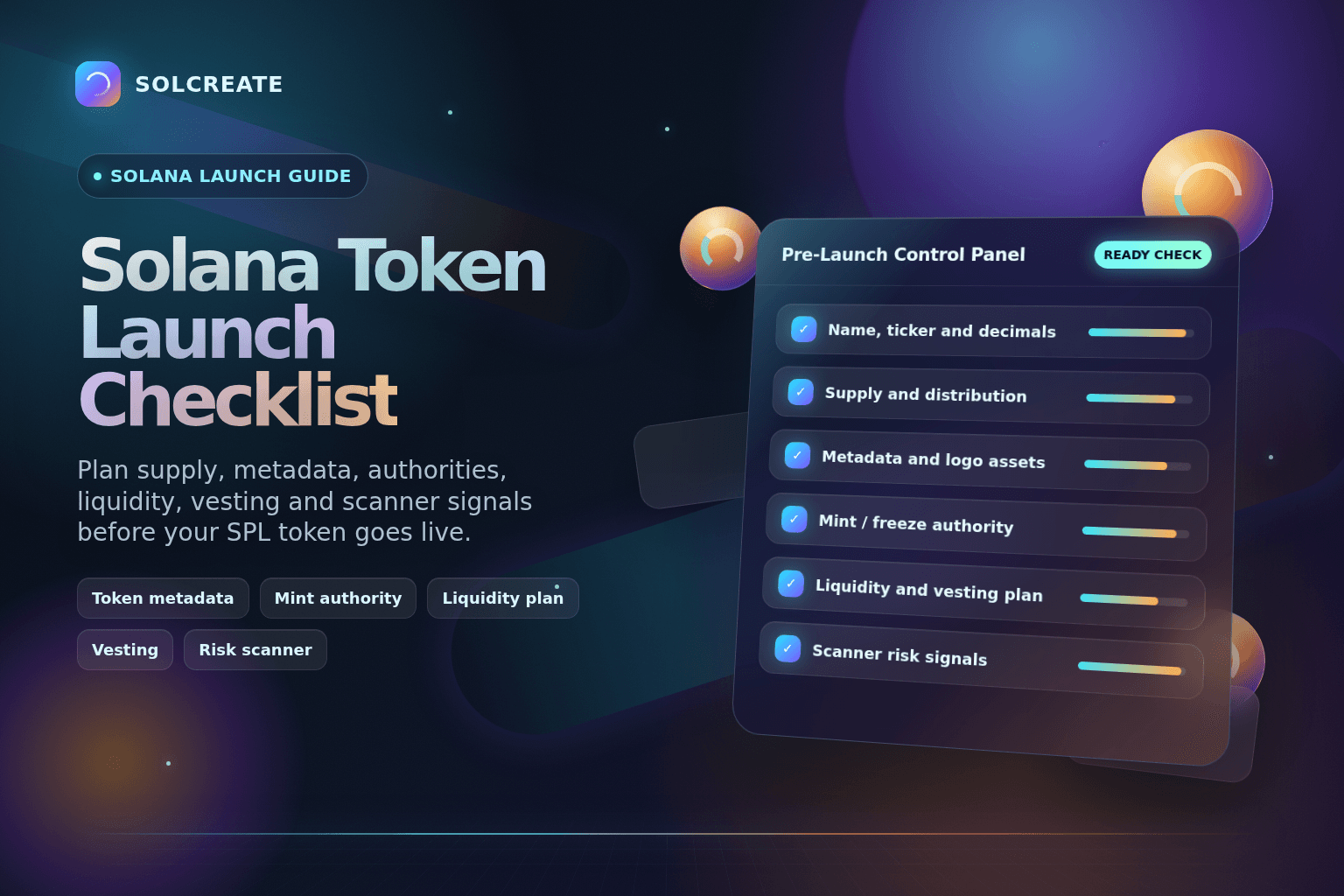
Solana Launch Guide
Solana Token Launch Checklist: 12 Things to Prepare
A practical Solana token launch checklist for preparing supply, metadata, authorities, liquidity, distribution, vesting and risk checks before creating an SPL token.

Bitcoin Guide
A beginner-friendly guide to what Bitcoin is, how mining and halving work, why scarcity matters and how Bitcoin shaped the wider crypto market.
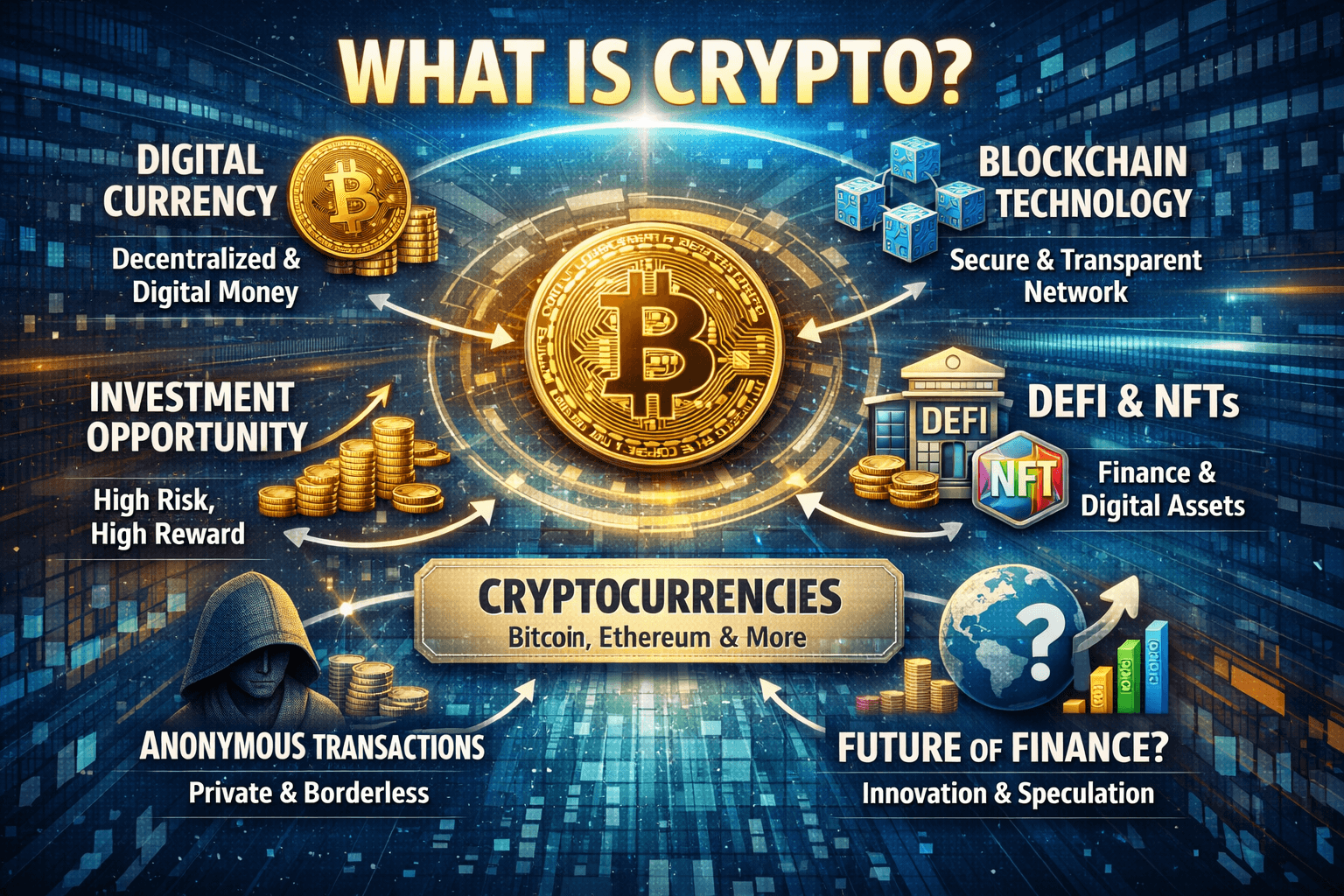
Crypto Basics
A broad beginner-friendly guide to cryptocurrency, blockchain, wallets, risks and how token creation fits into the bigger picture.
Metadata Guide
A Solana-focused guide to what crypto metadata means, what lives on-chain vs off-chain, when metadata stays mutable and how to update it safely.
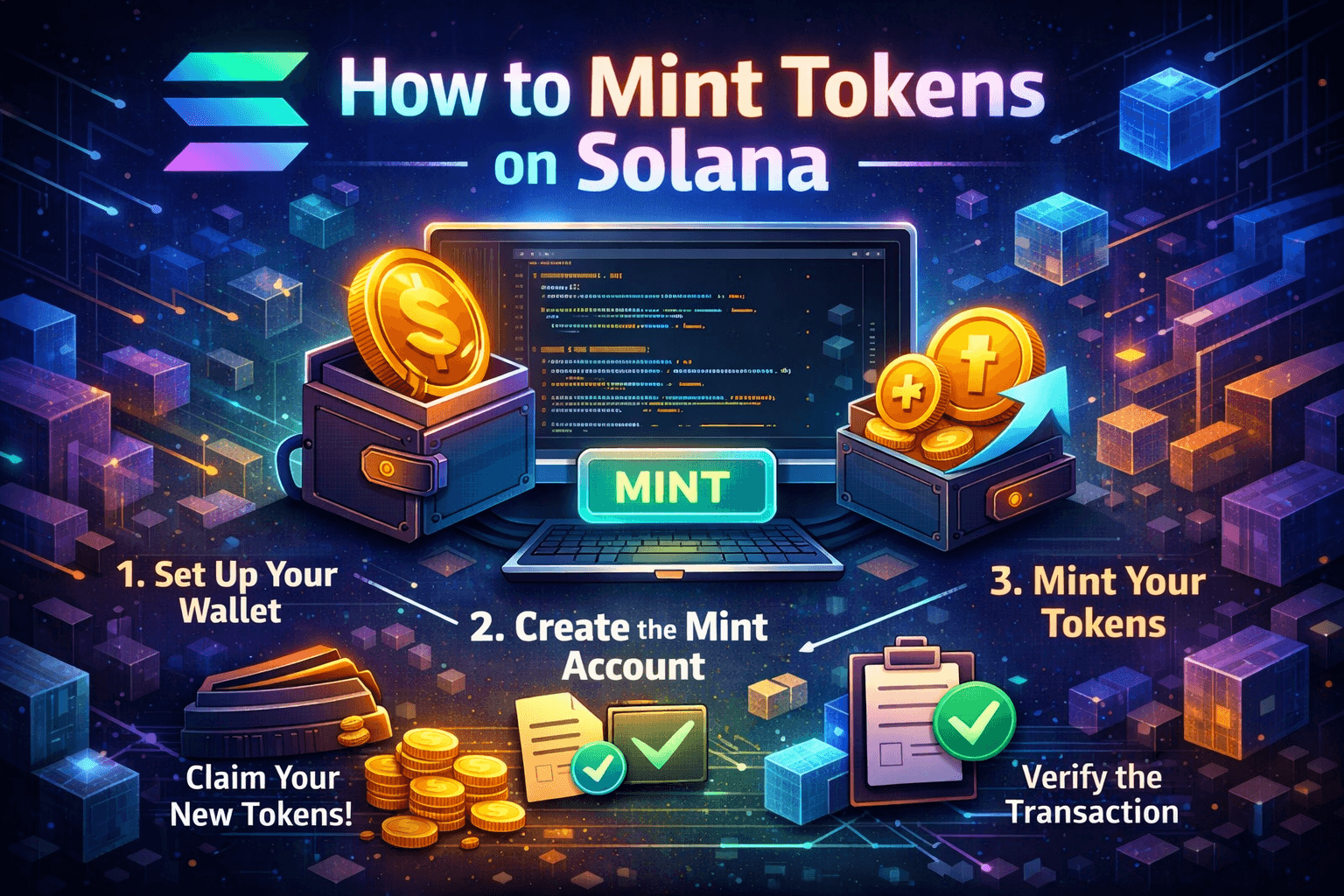
Mint Guide
A complete Solana-focused guide for mint authority, token supply management, no-code minting and the route from token creator to later launch actions.
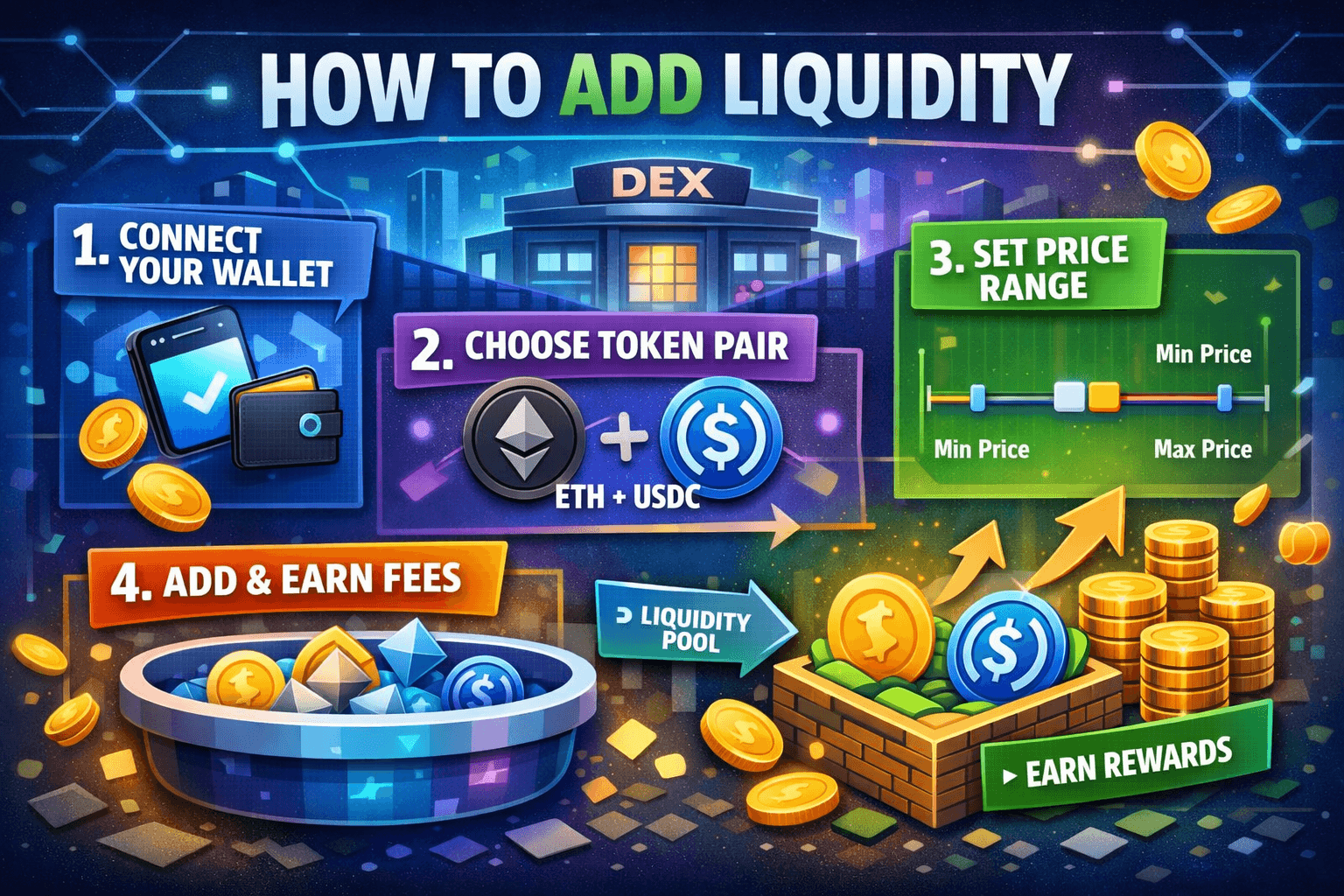
Liquidity Guide
A complete guide to liquidity pools, LP tokens, price ratios and the safest way to add liquidity for Solana or Ethereum tokens.
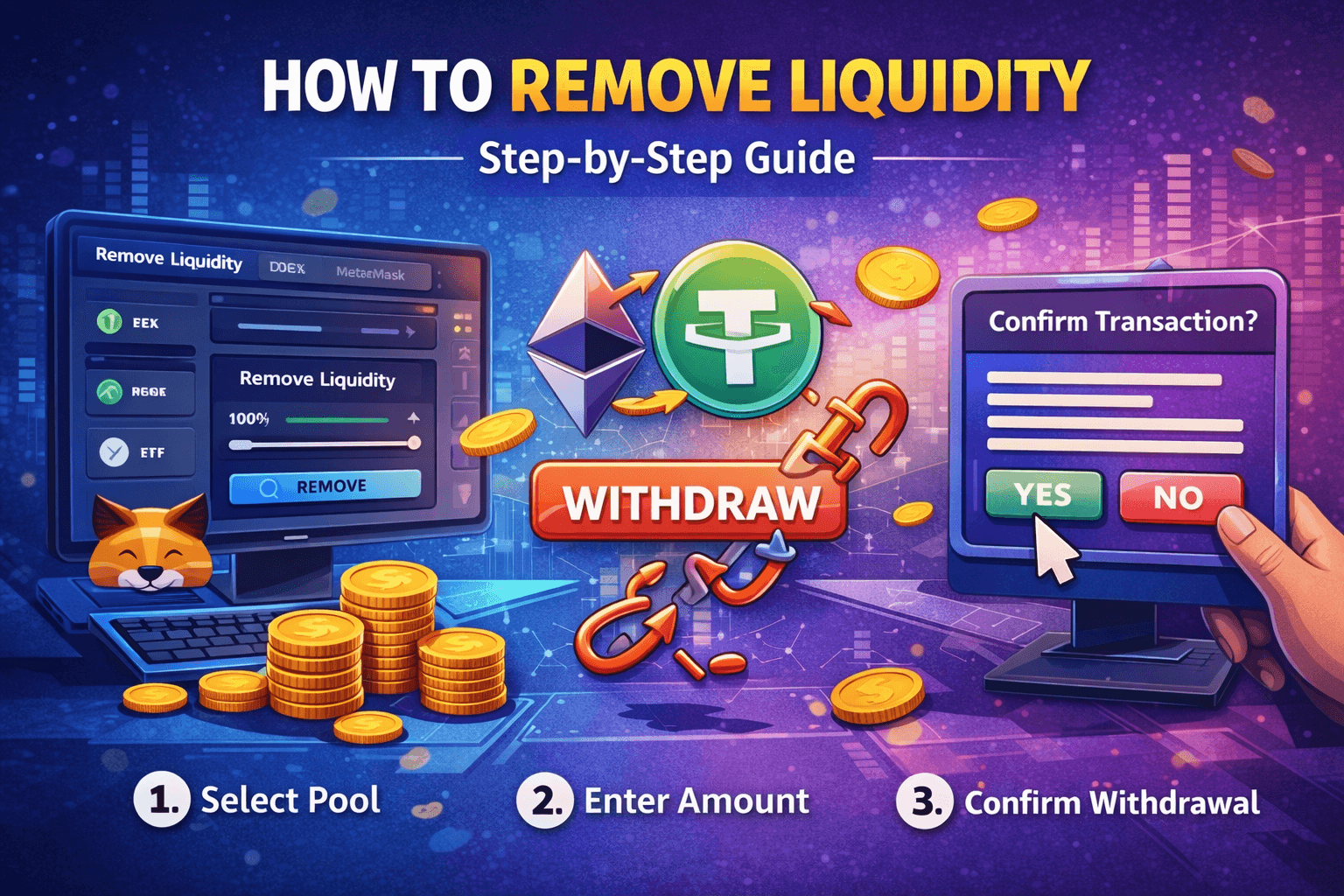
Liquidity Guide
A step-by-step guide for confirming the pool, reviewing LP withdrawals and removing liquidity safely without unnecessary confusion.
Launch Guide
A longform step-by-step guide for choosing a blockchain, setting supply, planning liquidity and launching a meme coin without coding.
SolCreate education hub
The SolCreate blog is built for creators who need more than a short product page. Each guide explains the launch context behind token creation, metadata, mint authority, liquidity pools, LP withdrawal and basic crypto concepts before the user connects a wallet.
Sonic live tool cluster
Sonic builders can move from the Sonic ERC-20 Token Creator to the Sonic Equalizer Liquidity Tool, then keep owner controls, mint allocations, wallet burns, vesting, multisender batches and LP custody on separate review routes.
This live-tool cluster helps Sonic teams choose the right wallet action from the education hub: create a contract, prepare pool liquidity, review permissions, distribute allocations, schedule vesting or document LP custody.
The minting and creator guides help users understand supply, decimals, authority choices and the difference between creating a token once and managing that token later. This matters because supply changes can affect community trust and launch messaging.
By connecting educational pages with live tools, SolCreate can answer user need first and then guide users into the correct wallet flow only when they understand the action they are about to sign.
Liquidity articles explain pool ratios, LP tokens, first deposits, removing liquidity and why a token contract alone does not automatically create a market. These topics are important for Solana, Ethereum and the newer multichain launch flows.
The goal is to reduce mistakes before users reach a DEX action. A creator who understands the pool step is less likely to enter random numbers, misread wallet costs or confuse token creation with exchange listing.
The Bitcoin, crypto and metadata guides give new users a broader foundation before they launch a token. They explain how wallets, blockchains, scarcity, token metadata and public transactions fit into the larger Web3 environment.
That makes the blog useful for users who are not ready to deploy immediately. They can learn first, compare launch options and return to SolCreate when the project plan is clearer.